Nov 14, 2025
Document AI: The Next Evolution of Intelligent Document ProcessingPersona
Industry
Use cases
Receipt OCR
[ Receipt OCR ]

Parse receipts with LlamaParse into clean, verifiable JSON so your books stay error-free.

The USP

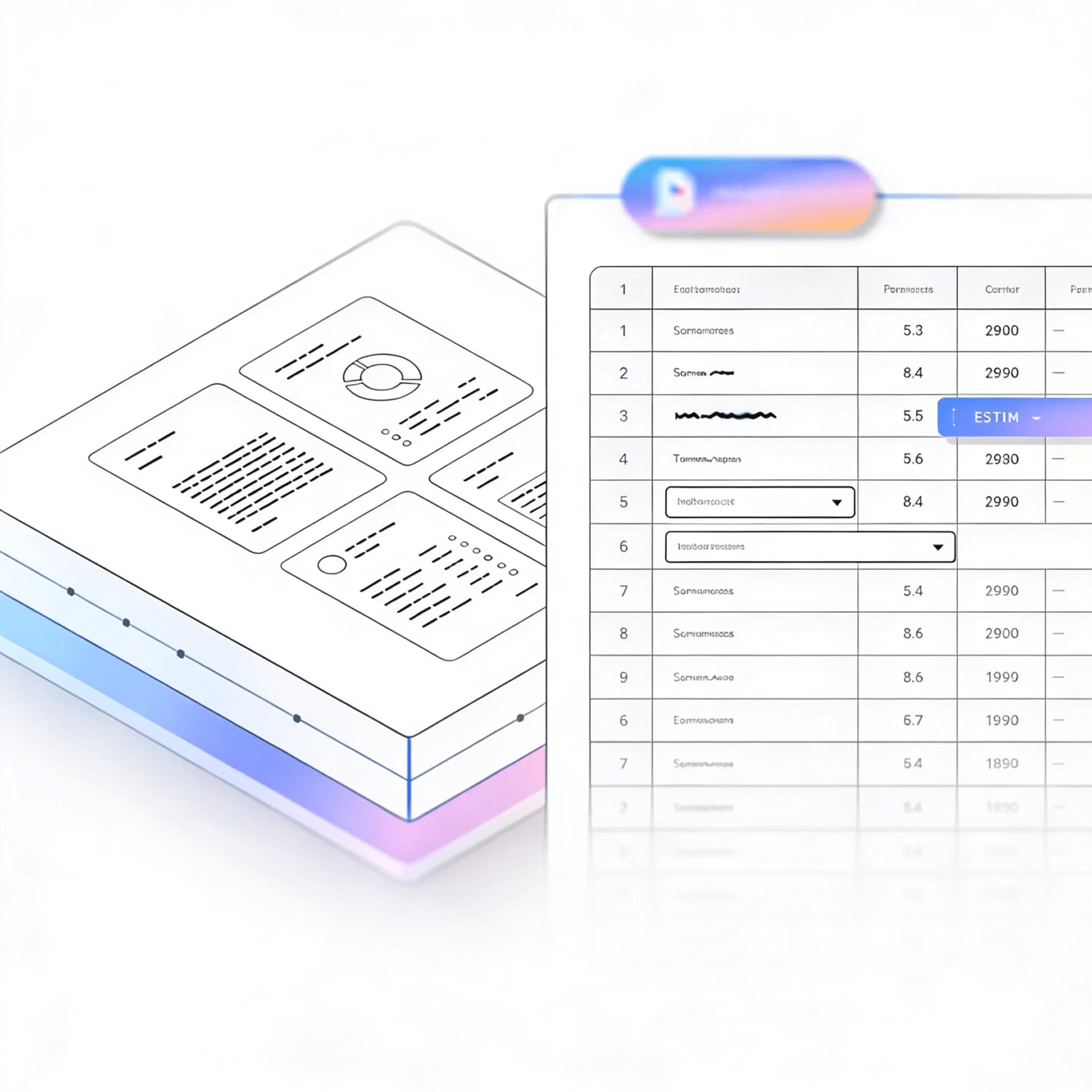
LlamaParse turns messy, multi-format receipts into clean, structured fields like merchant, date, tax, currency, and line items for audit-ready records. Agentic document parsing understands layout and validates totals with confidence metadata, so finance teams spend less time fixing exceptions and rekeying data.
Built for Complexity

Venture-Backed Startups
Use LlamaParse inside your expense workflow to turn messy emailed receipts into clean JSON (merchant, date, tax, category) without building brittle extraction rules. Tier-based agentic processing keeps costs predictable by only escalating to heavier parsing on the handful of ugly, low-quality scans.

Retail and Restaurant Operations
Automatically parse vendor receipts and purchase slips into line-item tables, preserving reading order and totals even when the print is faint or the layout changes by location. Feed the structured output into inventory and COGS reporting to catch pricing drift and reduce manual back-office entry.

Insurance Claims and Adjusting
Convert claimant receipts into verifiable, audit-ready fields with confidence scores and source citations so adjusters can approve reimbursement faster with fewer disputes. Multimodal parsing captures taxes, discounts, and table-like line items correctly, even when they’re embedded in photos or mixed formats.

Public Sector Travel and Procurement
Standardize travel receipts across agencies by extracting compliant fields (per-diem categories, taxes, currency, payment method) into a consistent schema for downstream systems. Natural-language parsing instructions let finance teams enforce policy-specific rules without rewriting parsing code every time requirements change.
The Engine Room
Feature 01
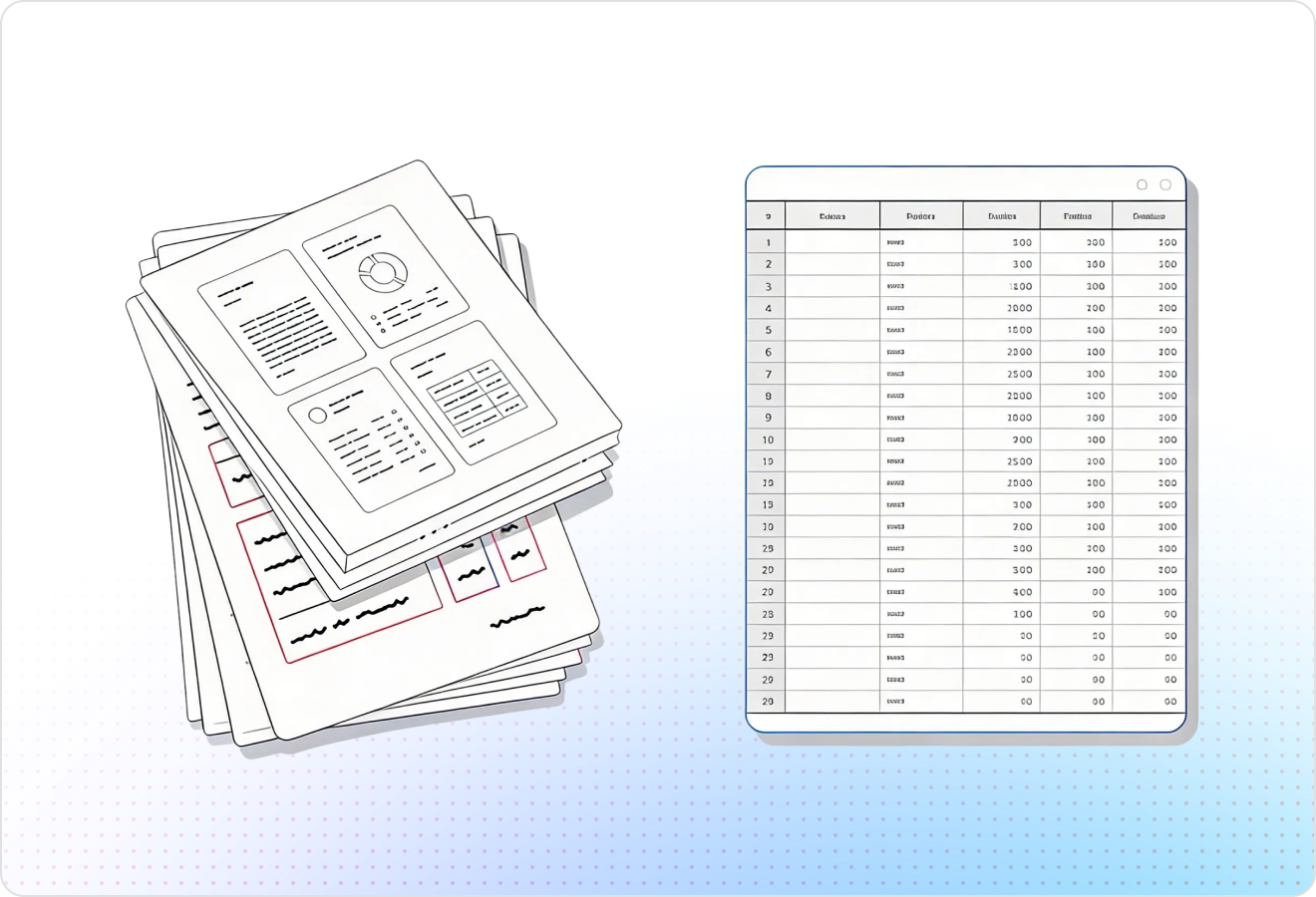
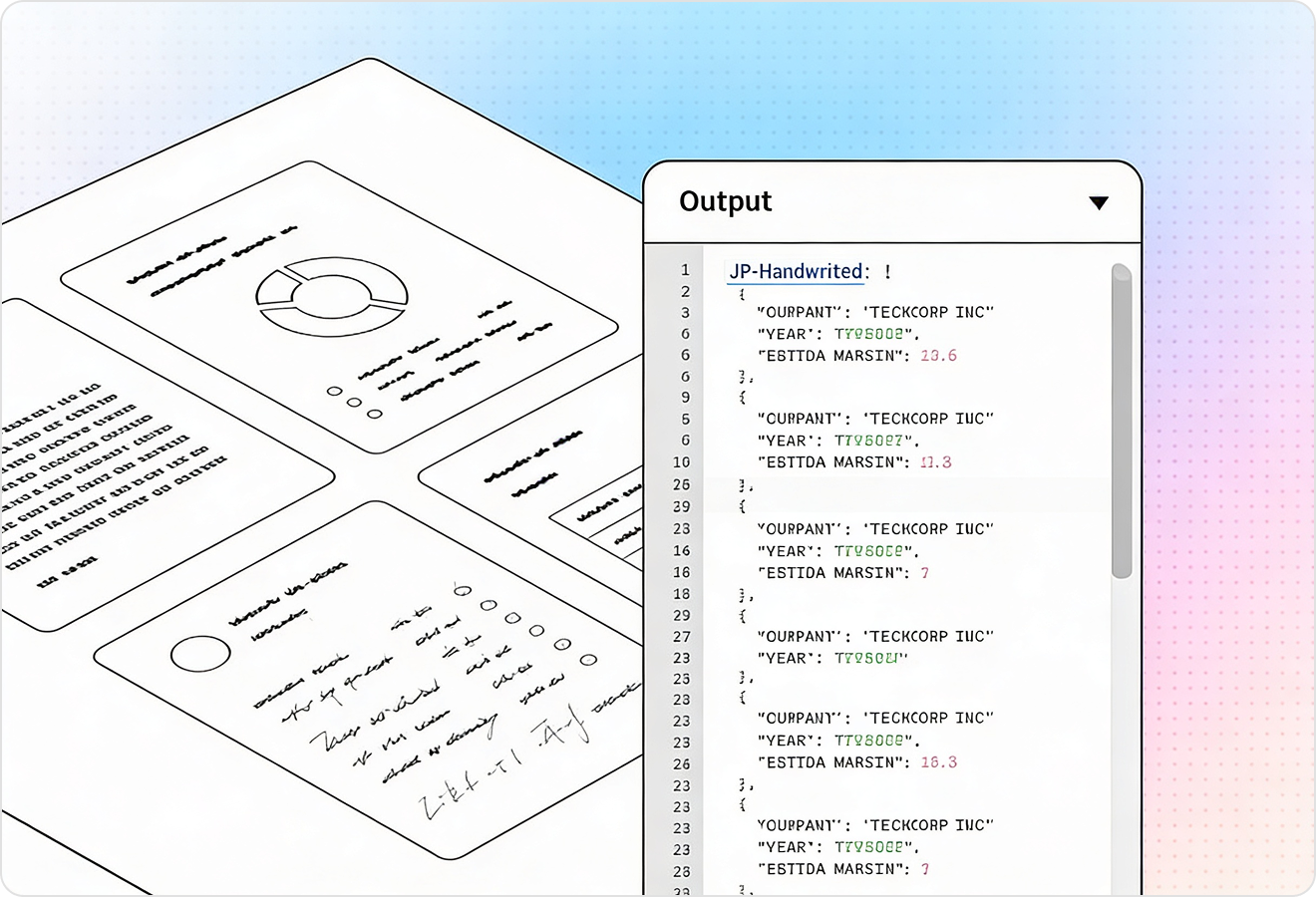
LlamaParse uses layout-aware vision to preserve reading order and structure on receipts, even when prints are skewed, crumpled, or split across columns. That means cleaner extraction of merchants, dates, taxes, totals, and per-item lines without brittle post-processing.
Feature 02
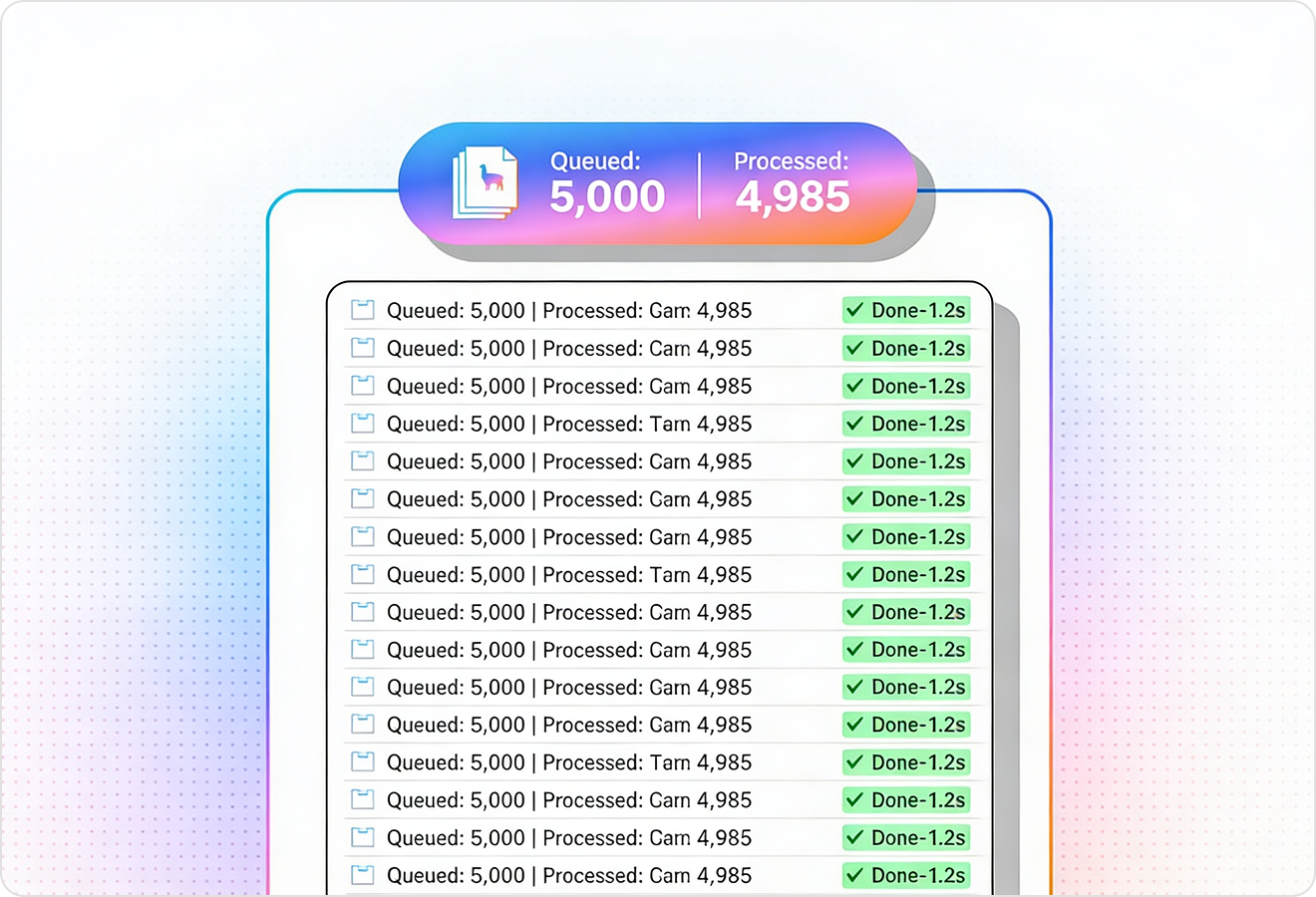
LlamaParse automatically routes each receipt (or page) to the right mix of models, escalating only when the scan is hard to read or the layout is unusual. You get high straight-through processing for everyday receipts while keeping compute spend predictable at scale.
Feature 03
LlamaParse runs validation and self-correction steps to catch common receipt errors like misread decimals, duplicate lines, and inconsistent totals. This reduces manual review and helps ensure subtotal, tax, tip, and total reconcile before data hits your expense system.
Feature 04
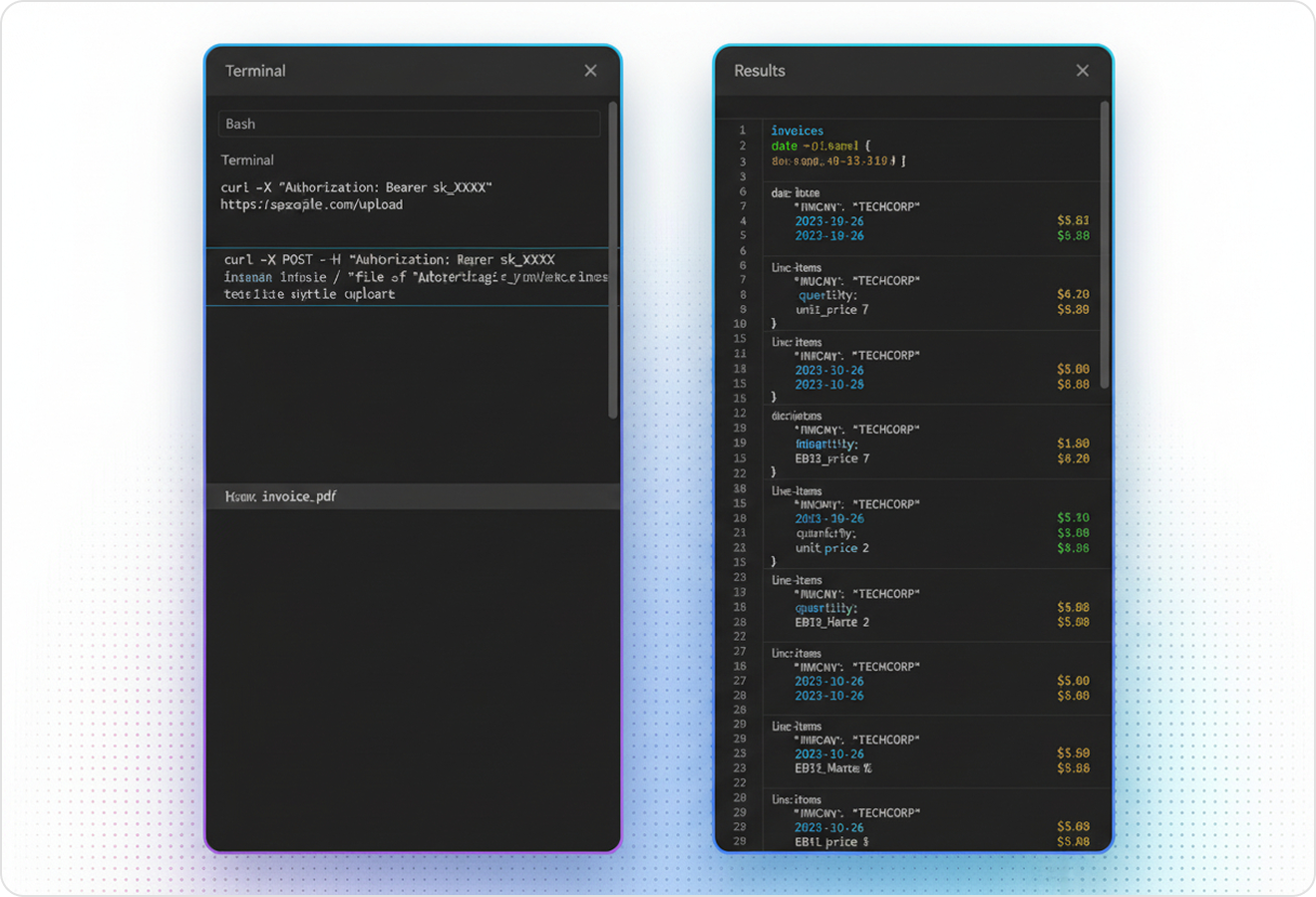
LlamaParse can return structured JSON tailored for receipt workflows, including fields like vendor, currency, category hints, and line items. It also attaches granular metadata (page references and coordinates) so you can audit every extracted value and support human-in-the-loop approval.
Technical OCR documentation
Explore our developer guides to easily connect your document pipelines to LlamaParse.
Explore the framework

Our AI catches the typos that tired eyes miss.

Export to Excel, JSON, XML, or directly via API.

SOC2 Type II compliant with end-to-end encryption.

Train the tool on your specific forms in minutes, not days.

Average processing time of <3 seconds per page.
LlamaParse’s support of a wide variety of filetypes and its accuracy of parsing made it the best tool we tested in our evaluations. The LlamaIndex team was very responsive and we were off to the races within a day.
Common FAQs
01
How accurate is the OCR on messy receipts (crumpled, angled, or multi-column)?
Receipt OCR uses layout-aware extraction to preserve reading order and structure, even when images are skewed, wrinkled, or split into columns. That means cleaner capture of merchants, dates, taxes, totals, and line items with far less manual cleanup.
02
Will it reliably capture line items, quantities, and prices—not just the total?
Yes—line items are extracted with layout context so item descriptions, quantities, and unit prices stay aligned. This reduces common issues like merged rows or misplaced amounts, making downstream categorization and analytics far more dependable.
03
How do you handle tricky scans without blowing up our compute costs?
Agentic Parsing Auto Mode routes each receipt to the right mix of models and only escalates when the scan is genuinely difficult or the layout is unusual. You get high straight-through processing on typical receipts while keeping spend predictable at scale.
04
What checks are in place to prevent errors like wrong decimals or totals that don’t add up?
Self-correction validation loops catch frequent receipt OCR mistakes such as misread decimals, duplicated lines, and inconsistent subtotals. The system reconciles subtotal, tax, tip, and total before data reaches your expense workflow, reducing exceptions and rework.
05
What does the output look like, and can we map it to our expense fields?
You receive structured JSON designed for receipt workflows—vendor, date, currency, totals, and detailed line items, with optional category hints. It’s straightforward to map to your existing schema, so you can onboard quickly without brittle post-processing.
06
Can we audit extracted values and support human review when needed?
Every extracted field can include citations with page references and coordinates, so reviewers can verify values instantly. This makes approvals faster, improves compliance, and builds trust when automations feed financial systems.