Nov 14, 2025
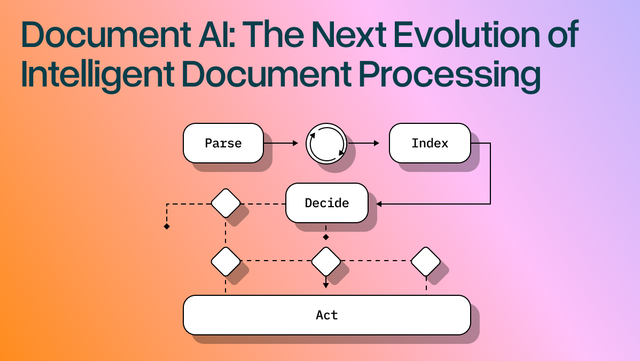
Document AI: The Next Evolution of Intelligent Document ProcessingPersona
Industry
Use cases
Automated Invoice Processing
[ Automated Invoice Processing ]

Use LlamaParse to capture tables and line items accurately, so your team approves with confidence.
The USP

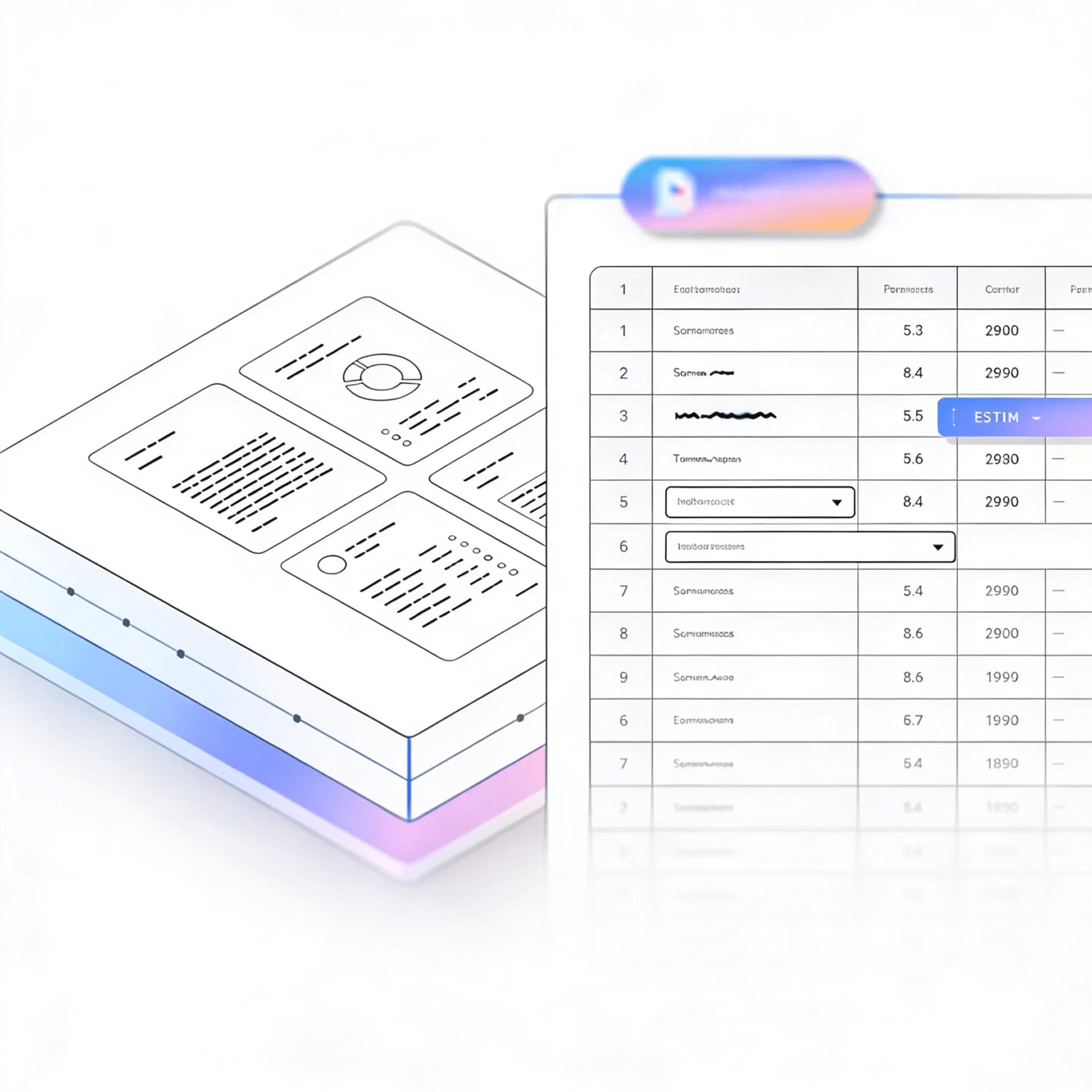
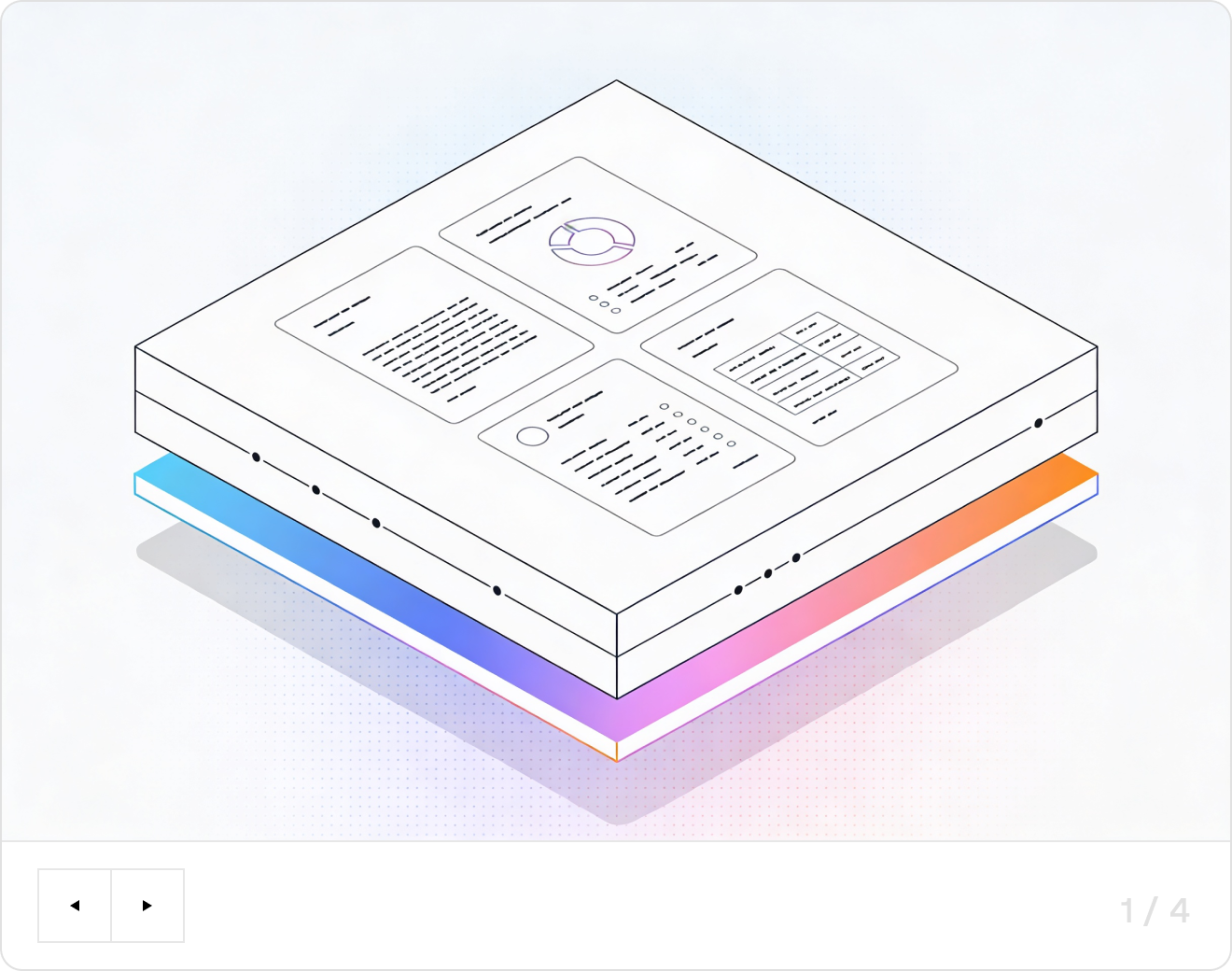
LlamaParse turns messy PDFs and scans into clean, structured invoice fields automatically, so your AP team stops rekeying totals, taxes, and vendor details. Agentic document parsing stays accurate when layouts change, validates extracted values, and outputs JSON you can trust for approvals and payments.
Built for Complexity

Venture-Backed Startups
Automate invoice intake end-to-end by using LlamaParse to turn vendor PDFs and email attachments into clean JSON you can push straight into QuickBooks, NetSuite, or your own billing pipeline. Natural-language parsing instructions enforce your chart-of-accounts and approval rules from day one, so finance stops chasing exceptions and founders get weekly burn and cash visibility without hiring headcount.

Construction & Specialty Contracting
Process high-variance subcontractor invoices and pay apps by extracting line items, retainage, change orders, and schedule-of-values tables with layout-aware structure and table extraction that doesn’t break when formats change. Granular metadata and citations let project accountants validate disputed charges fast and tie every billed amount back to the exact page and table cell before releasing payments.

Logistics, Freight & 3PL Operations
Automate AP for freight bills by pulling accessorial charges, lane details, and multi-page rate tables, then normalizing them into a consistent schema for audit and payment. Multimodal parsing captures totals from scanned PODs and embedded images, reducing costly overpayments and accelerating carrier reconciliation cycles.

Healthcare & Medical Services
Handle invoices from labs, device vendors, and facilities by extracting SKU-level details, contract pricing, and tax/shipping from dense tables and mixed-layout PDFs without writing brittle post-processing code. Tier-based agentic processing routes simple invoices cheaply while upgrading only the messy scans, helping revenue-cycle and supply-chain teams cut manual entry while keeping compliance-ready traceability.
The Engine Room
Feature 01
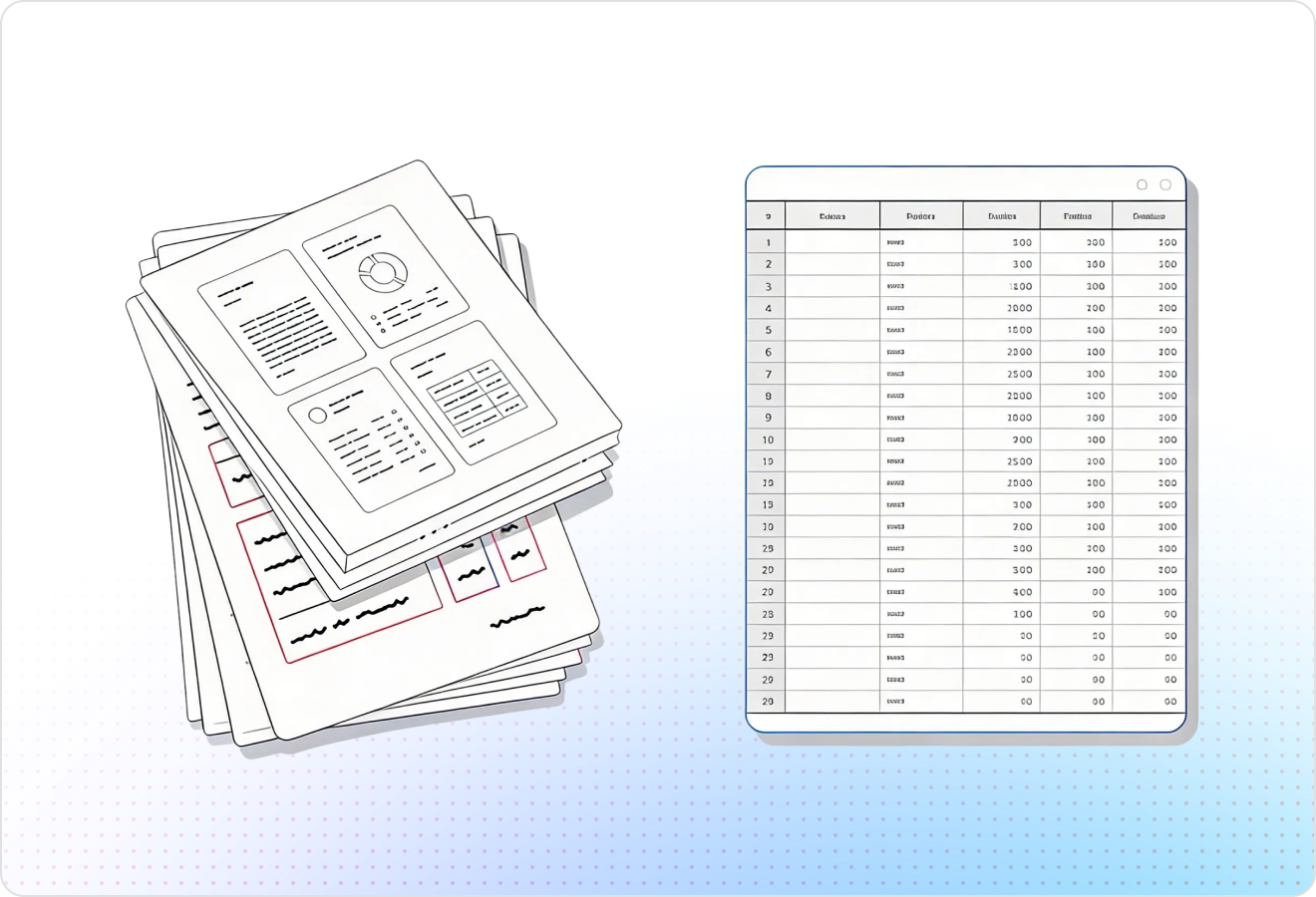
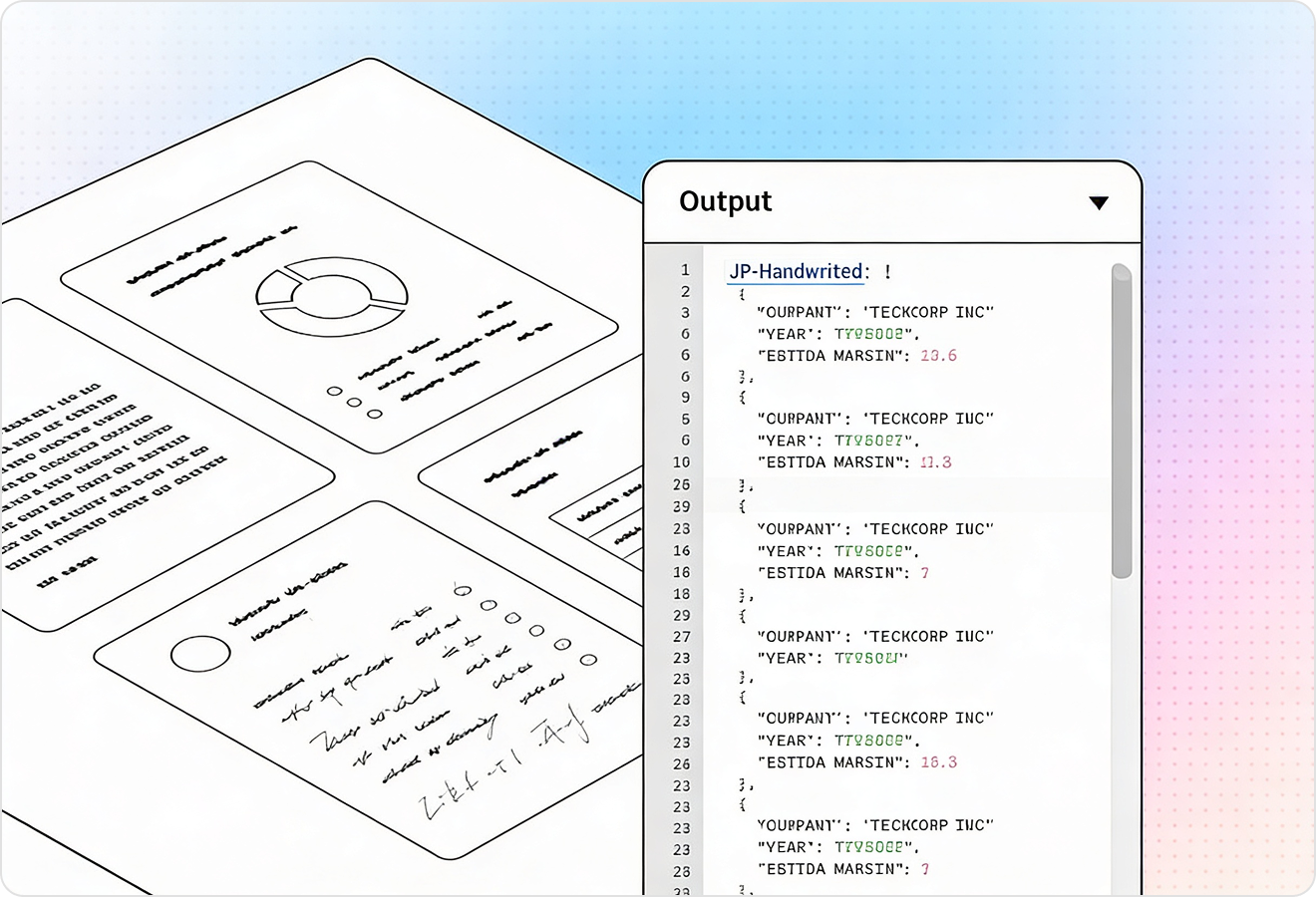
LlamaParse understands invoice layout so fields don’t get scrambled across headers, footers, multi-column sections, or stamped scans. That keeps vendor details, invoice numbers, dates, and totals in the right reading order for reliable downstream automation.
Feature 02
LlamaParse accurately extracts line-item tables, including nested rows, split tables across pages, and inconsistent column naming. This makes it straightforward to load SKUs, quantities, unit prices, tax, and discounts into your AP system without brittle post-processing.
Feature 03
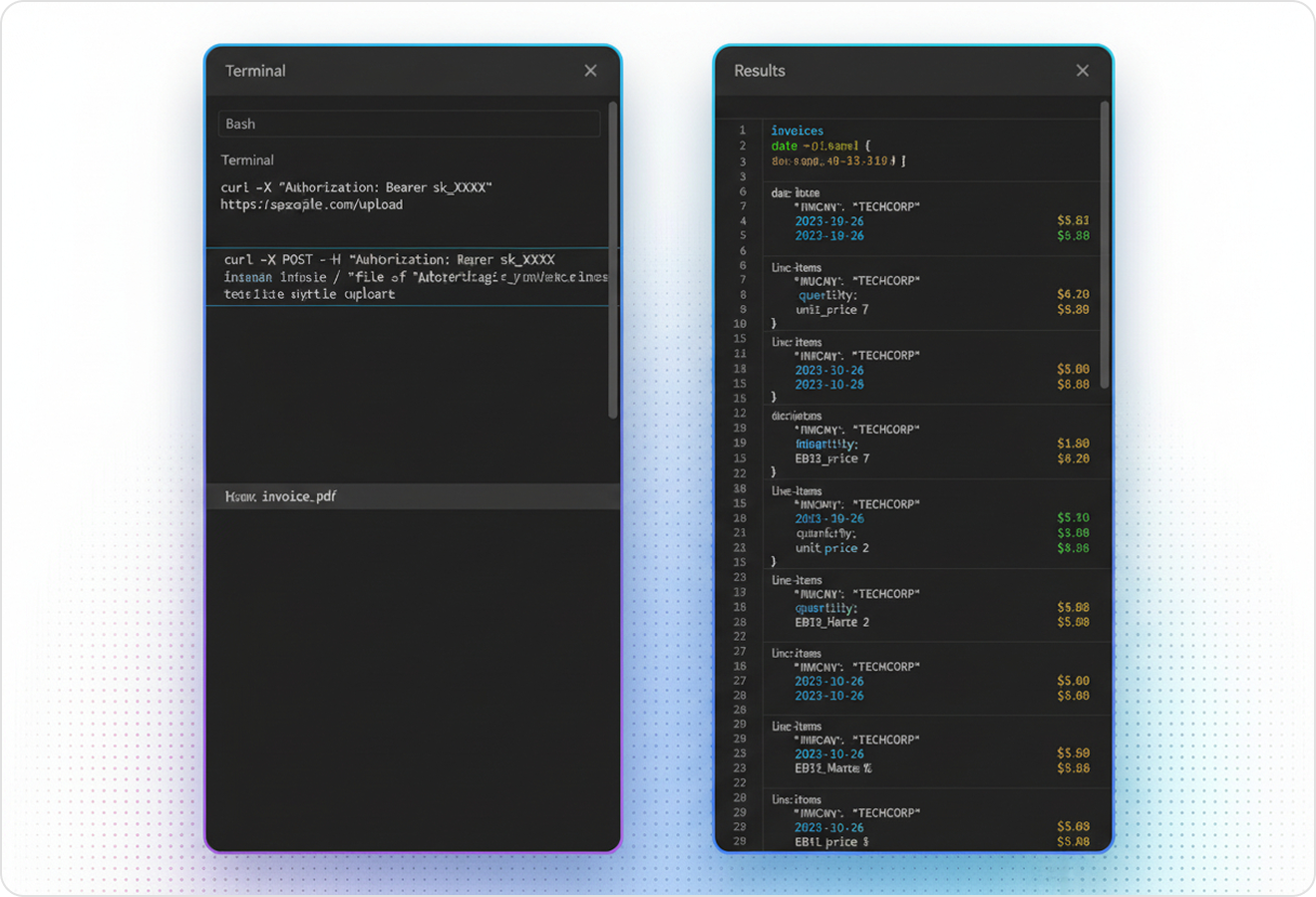
LlamaParse can return invoice data as clean JSON with granular metadata like page references and element coordinates for traceability. That lets you build auditable automated invoice processing with confidence scoring, exception queues, and quick “show me where this came from” verification.
Feature 04
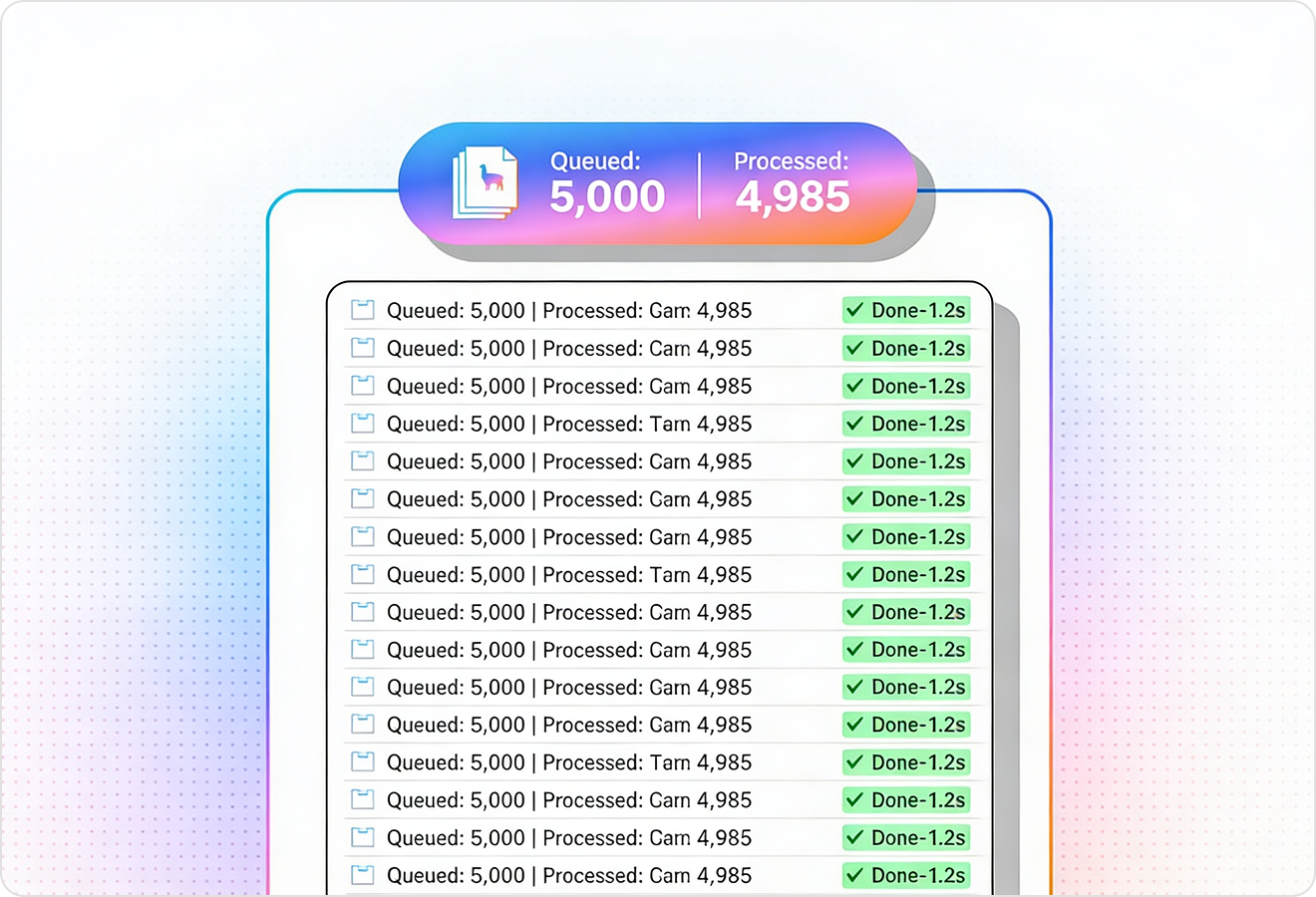
LlamaParse runs multiple validation passes to catch common extraction failures like misread totals, broken table rows, or missing currencies. This reduces manual review and improves straight-through processing, especially when invoices arrive as low-quality scans or varied templates.
Technical OCR documentation
Explore our developer guides to easily connect your document pipelines to LlamaParse.

Our AI catches the typos that tired eyes miss.

Export to Excel, JSON, XML, or directly via API.

SOC2 Type II compliant with end-to-end encryption.

Train the tool on your specific forms in minutes, not days.

Average processing time of <3 seconds per page.
LlamaParse’s support of a wide variety of filetypes and its accuracy of parsing made it the best tool we tested in our evaluations. The LlamaIndex team was very responsive and we were off to the races within a day.
Common FAQs
01
Will it keep header, footer, and multi-column invoices from mixing up fields?
Yes—layout-aware parsing preserves the reading order so vendor details, invoice numbers, dates, and totals don’t get scrambled across headers, footers, columns, or stamps. This greatly reduces downstream mapping fixes and improves straight-through processing.
02
How well does it extract line-item tables when columns and formats vary by vendor?
It accurately captures line-item tables even when column names differ, rows are nested, or tables split across pages. You can reliably load SKUs, quantities, unit prices, tax, and discounts into your AP system without brittle post-processing rules.
03
What does the output look like, and can we feed it directly into our AP workflow?
You get clean, structured JSON designed for automation, with fields ready to map into your ERP or AP platform. The schema is consistent enough for routing, matching, and approvals while staying flexible for vendor-specific variations.
04
Can we audit results and quickly verify where each extracted value came from?
Yes—each extracted field can include metadata such as page references and element coordinates. That makes it easy to support “show me the source” verification, build exception queues, and keep a clear audit trail for compliance.
05
How does it handle low-quality scans or tricky invoices that cause misreads?
Auto validation and correction loops run multiple passes to catch common issues like misread totals, broken table rows, and missing currencies. This cuts down on manual review and improves accuracy when invoices arrive as scans, photos, or inconsistent templates.
06
What happens when the extraction isn’t confident—do we still have to review everything?
You can use confidence signals and metadata to route only uncertain invoices to an exception queue while letting high-confidence invoices pass through automatically. This keeps humans focused on edge cases instead of routine processing, speeding up cycle times without sacrificing control.