Nov 14, 2025
Document AI: The Next Evolution of Intelligent Document ProcessingPersona
Industry
Use cases
Receipt Scanner OCR
[ Receipt Scanner OCR ]

Use LlamaParse to capture every line item and total, so your reimbursements run smoothly.
The USP

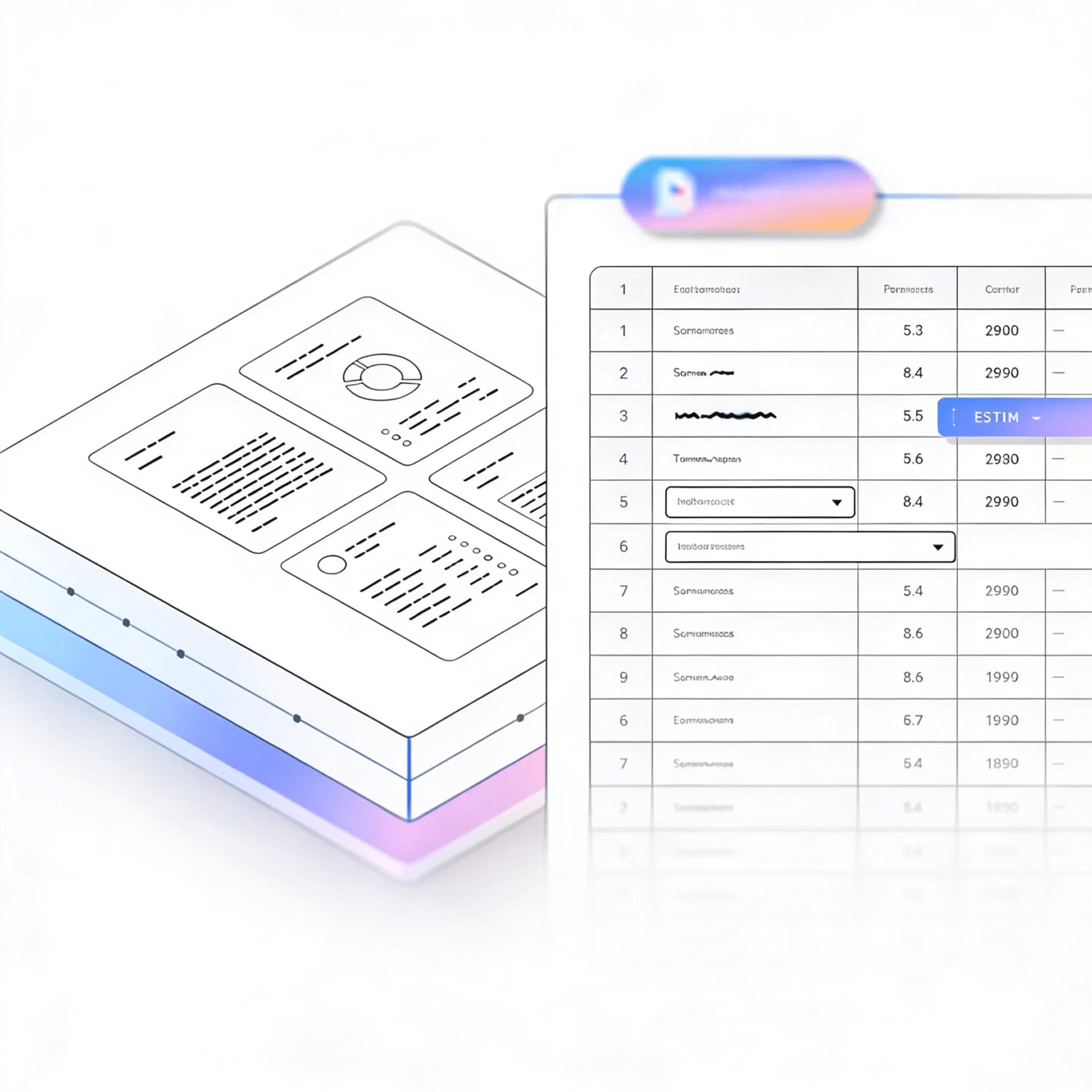
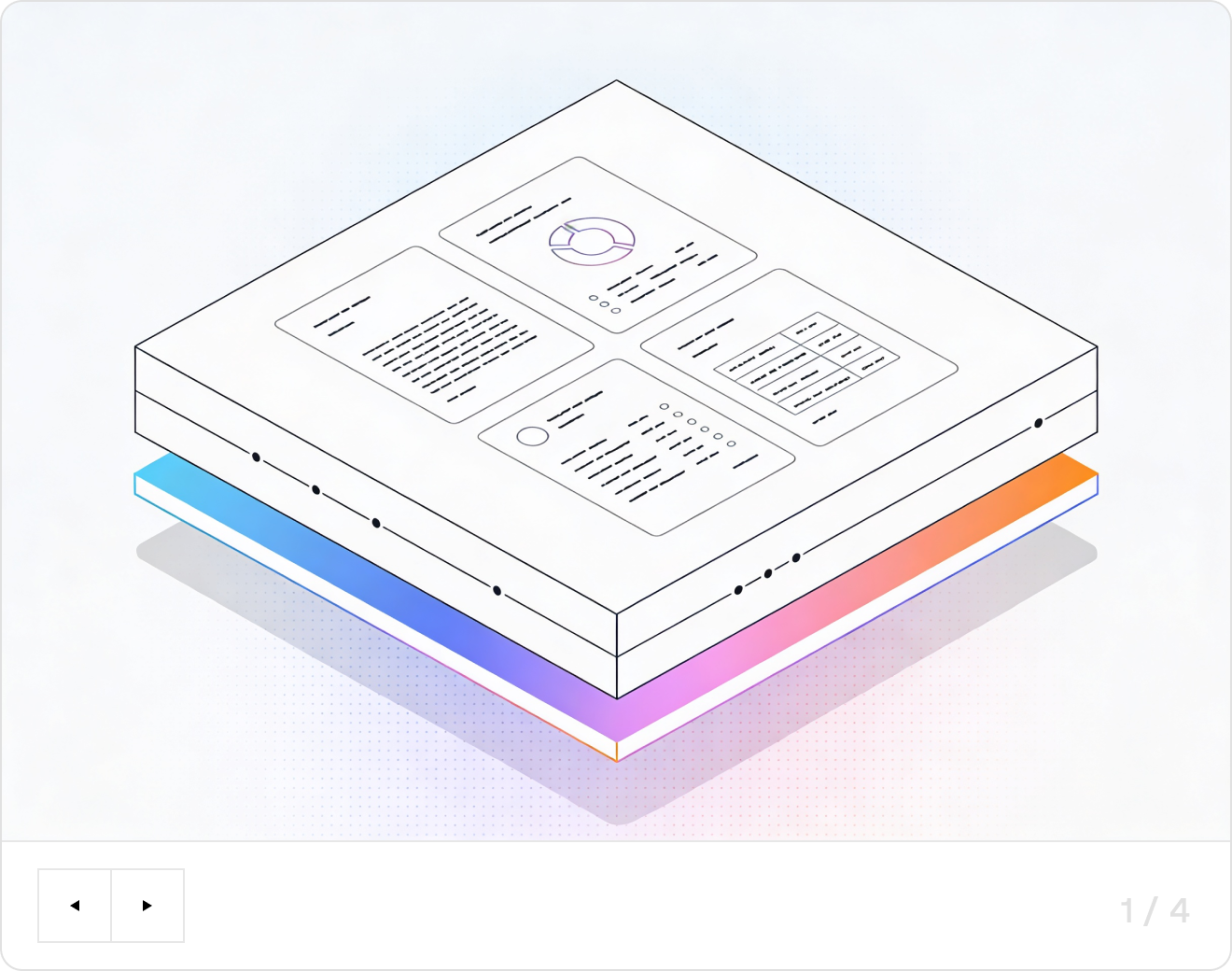
LlamaParse turns messy receipt photos and PDFs into clean, reliable JSON fields like vendor, date, line items, totals, and tax. Its agentic document parsing understands layout, validates extractions, and corrects common scanner errors so your expense workflows run straight through.
Built for Complexity

High-Growth Startups
Turn customer receipts and invoices into clean, schema-ready JSON via LlamaParse, so spend, VAT, and vendor data lands in your database without building brittle OCR cleanup code. Use Auto Mode to keep costs predictable by routing simple receipts through fast parsing and escalating only the messy scans that would otherwise break your pipeline.

Retail & Multi-Location Operations
Extract itemized receipts, discounts, and tender types with layout-aware table extraction, even when formats vary across stores, POS systems, and countries. Reconcile store expenses and supplier charges faster by preserving line-item structure and reading order instead of shipping teams a scrambled text blob to manually fix.

Accounting & Bookkeeping Services
Standardize thousands of client receipts into consistent outputs like Markdown or JSON, then push categorized transactions into your GL or expense platform with traceable fields and citations for audit review. Natural-language parsing instructions let you enforce firm-specific rules (e.g., “always capture tax, tip, and project code”) without maintaining per-vendor templates.

Insurance Claims & Loss Adjustment
Convert claimant receipts and proof-of-purchase into verifiable, line-level data to validate amounts, dates, and item descriptions without slowing adjusters down. Granular metadata and confidence scores make exceptions obvious, enabling fast straight-through processing for clean claims while flagging only the questionable documents for human review.
The Engine Room
Feature 01
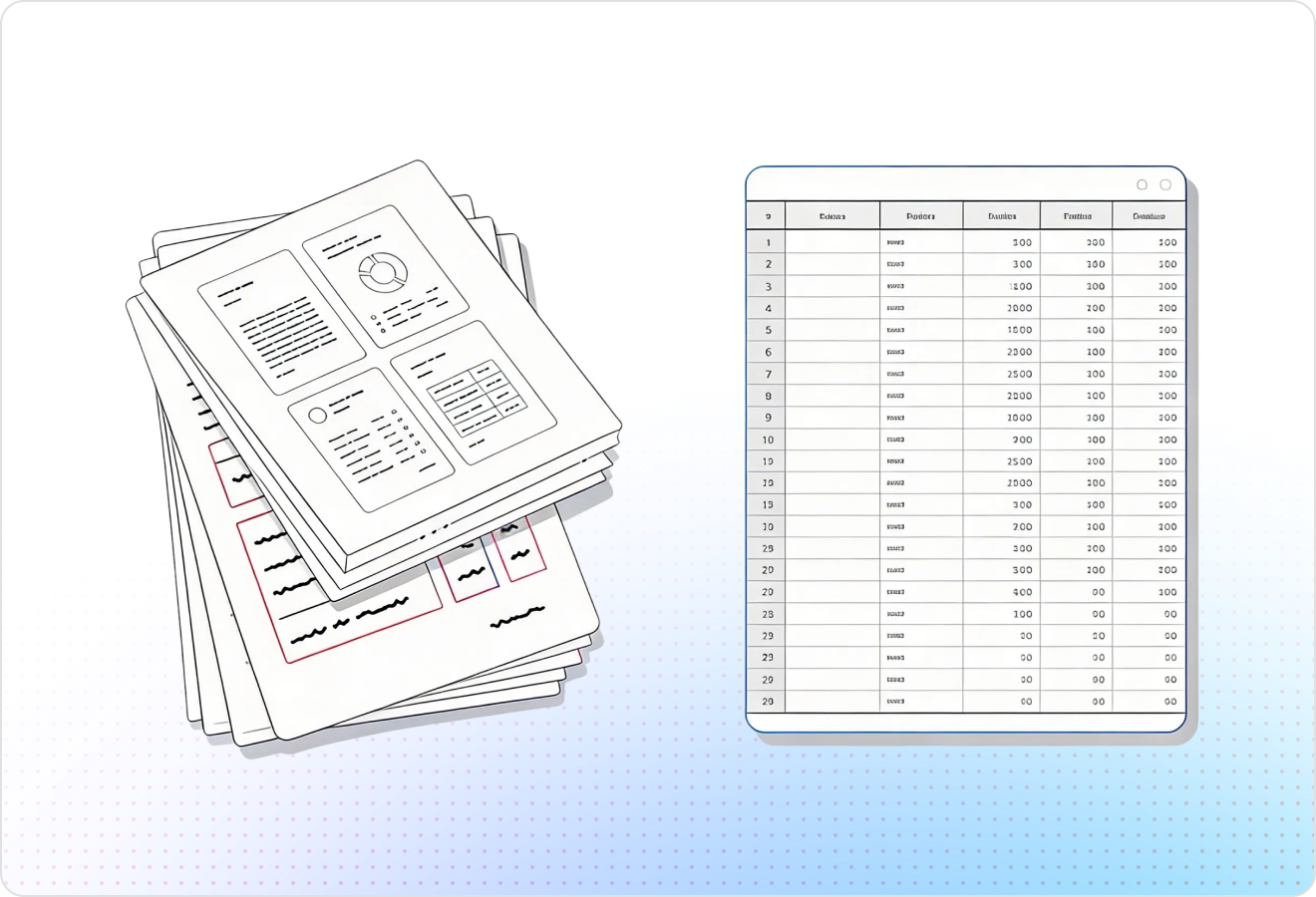
LlamaParse detects receipt structure and preserves reading order, even when totals, taxes, and item lines are tightly packed or misaligned. This keeps item names, quantities, and prices from getting scrambled—so your receipt scanner produces reliable extractions without brittle cleanup code.
Feature 02
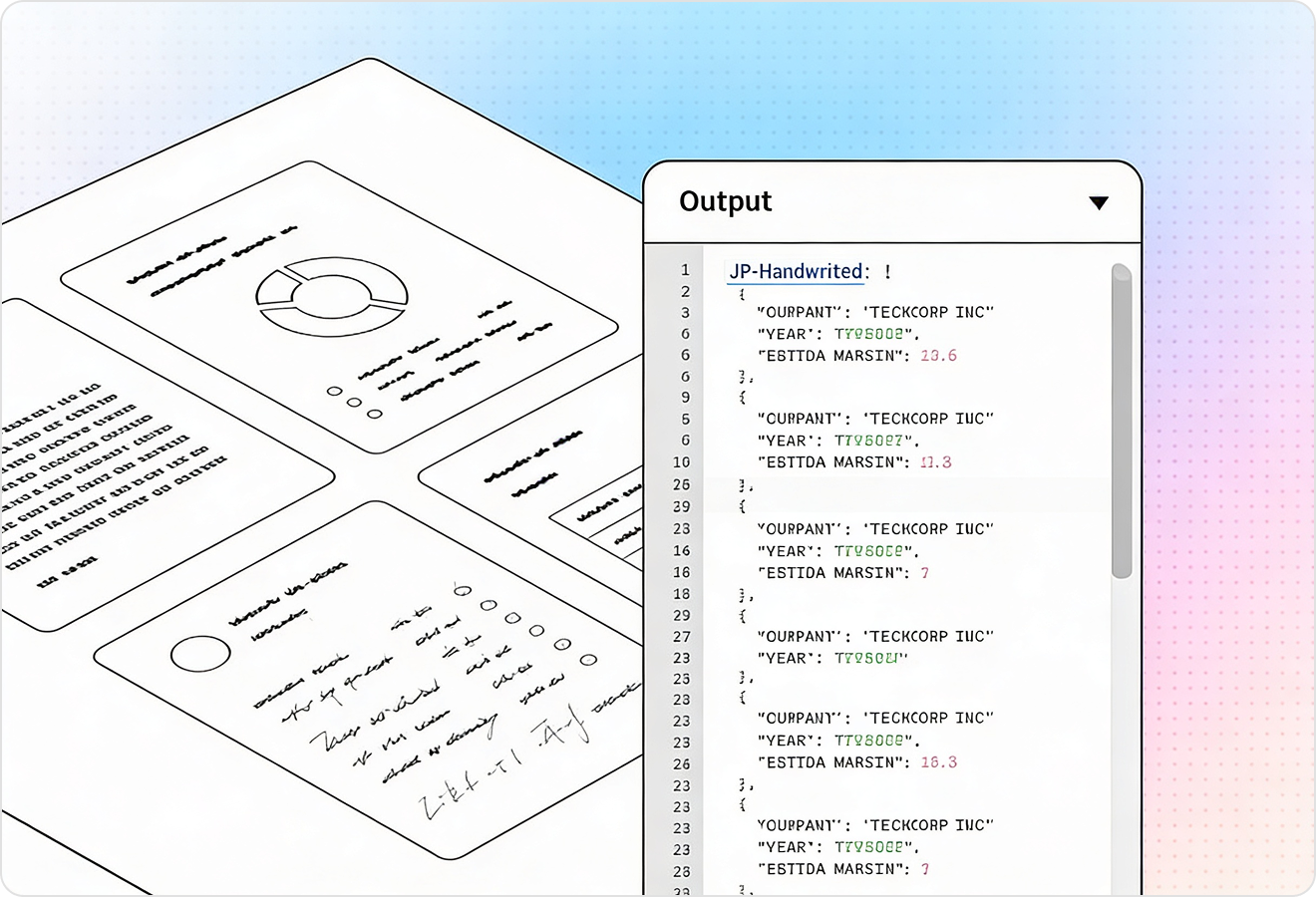
LlamaParse can return structured JSON that’s easy to map into expense fields like merchant, date, subtotal, tax, tip, and total. You also get granular metadata (page and coordinates) so you can trace every extracted value back to the exact spot on the receipt for review and QA.
Feature 03
LlamaParse runs validation and self-correction steps to catch common receipt failures like misread decimals, swapped totals, or hallucinated characters from noisy scans. This reduces manual auditing and improves straight-through processing for high-volume receipt ingestion.
Feature 04
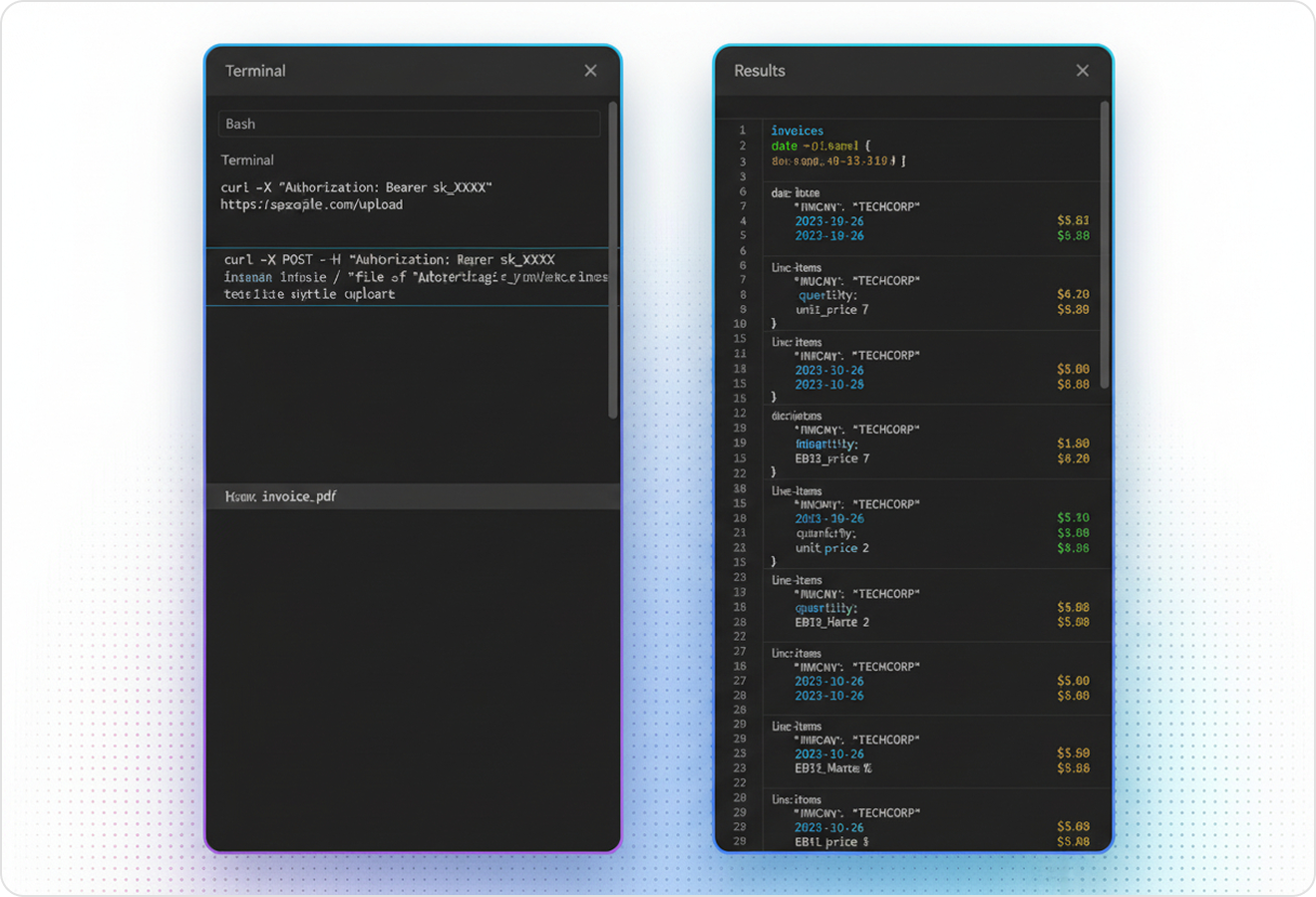
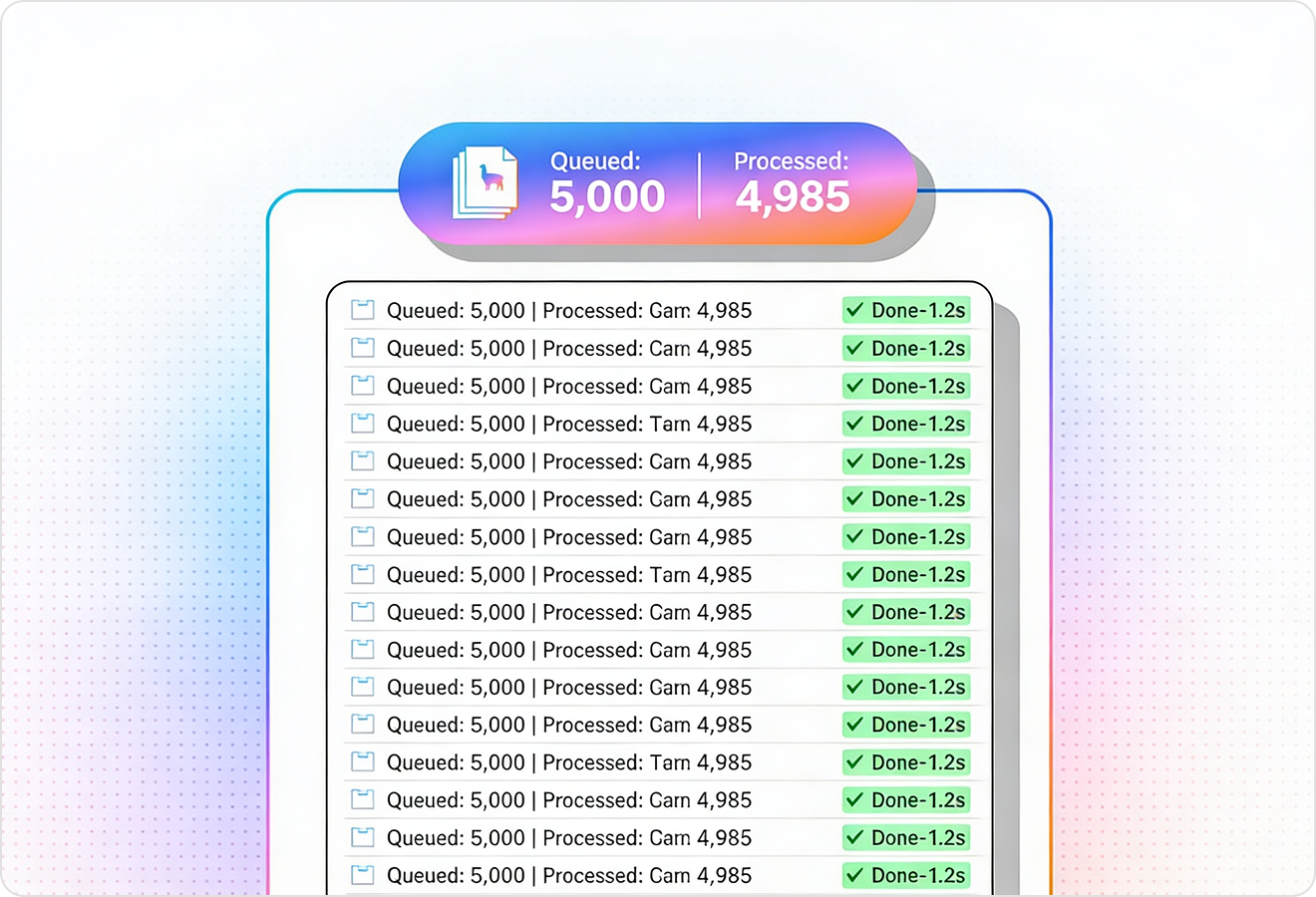
LlamaParse can automatically route simple receipts through faster, lower-cost processing while upgrading only the hard cases (crumpled paper, low-light photos, faded thermal ink) to more capable vision-language models. You get consistent accuracy for a receipt scanner without paying premium compute for every upload.
Technical OCR documentation
Explore our developer guides to easily connect your document pipelines to LlamaParse.
Explore the framework

Our AI catches the typos that tired eyes miss.

Export to Excel, JSON, XML, or directly via API.

SOC2 Type II compliant with end-to-end encryption.

Train the tool on your specific forms in minutes, not days.

Average processing time of <3 seconds per page.
LlamaParse’s support of a wide variety of filetypes and its accuracy of parsing made it the best tool we tested in our evaluations. The LlamaIndex team was very responsive and we were off to the races within a day.
Common FAQs
01
How does the OCR handle receipts where items, totals, and taxes are tightly packed or misaligned?
Our layout-aware extraction preserves the receipt’s reading order so line items, quantities, and prices don’t get scrambled. It’s designed for real-world receipts where columns drift, totals float, or item lines wrap—reducing the need for brittle post-processing.
02
Can I get clean, structured data (like merchant, date, tax, tip, and total) instead of raw text?
Yes—outputs can be returned as structured JSON mapped to common expense fields such as merchant, date, subtotal, tax, tip, and total. That means faster integrations with expense tools, ERPs, or your own schema without manual parsing.
03
How can my team verify where each extracted value came from on the receipt?
Along with JSON fields, you receive metadata like page and coordinates for each extracted value. This makes reviews and QA straightforward because you can trace totals, taxes, and line items back to the exact spot on the image.
04
What safeguards are in place for common OCR mistakes like wrong decimals or swapped totals?
The system runs validation and auto-correction loops to catch issues like misread decimals, swapped subtotal/total, or stray characters from noisy scans. This reduces manual auditing and improves straight-through processing for high-volume receipt ingestion.
05
Will this work on low-quality photos—crumpled receipts, low light, or faded thermal paper?
Yes—tiered processing automatically upgrades only the difficult cases to more capable vision-language models. You get consistent accuracy on challenging receipts without paying premium compute for every upload.
06
How do you keep costs predictable when processing large volumes of receipts?
Simple receipts are routed through faster, lower-cost processing, while only edge cases use heavier models. This keeps per-receipt costs under control while maintaining accuracy where it matters most.