Nov 14, 2025
Document AI: The Next Evolution of Intelligent Document ProcessingPersona
Industry
Use cases
Extract Table from PDF
[ Extract Table from PDF ]

Use LlamaParse to capture every row and column accurately, even from messy, complex PDFs.
The USP

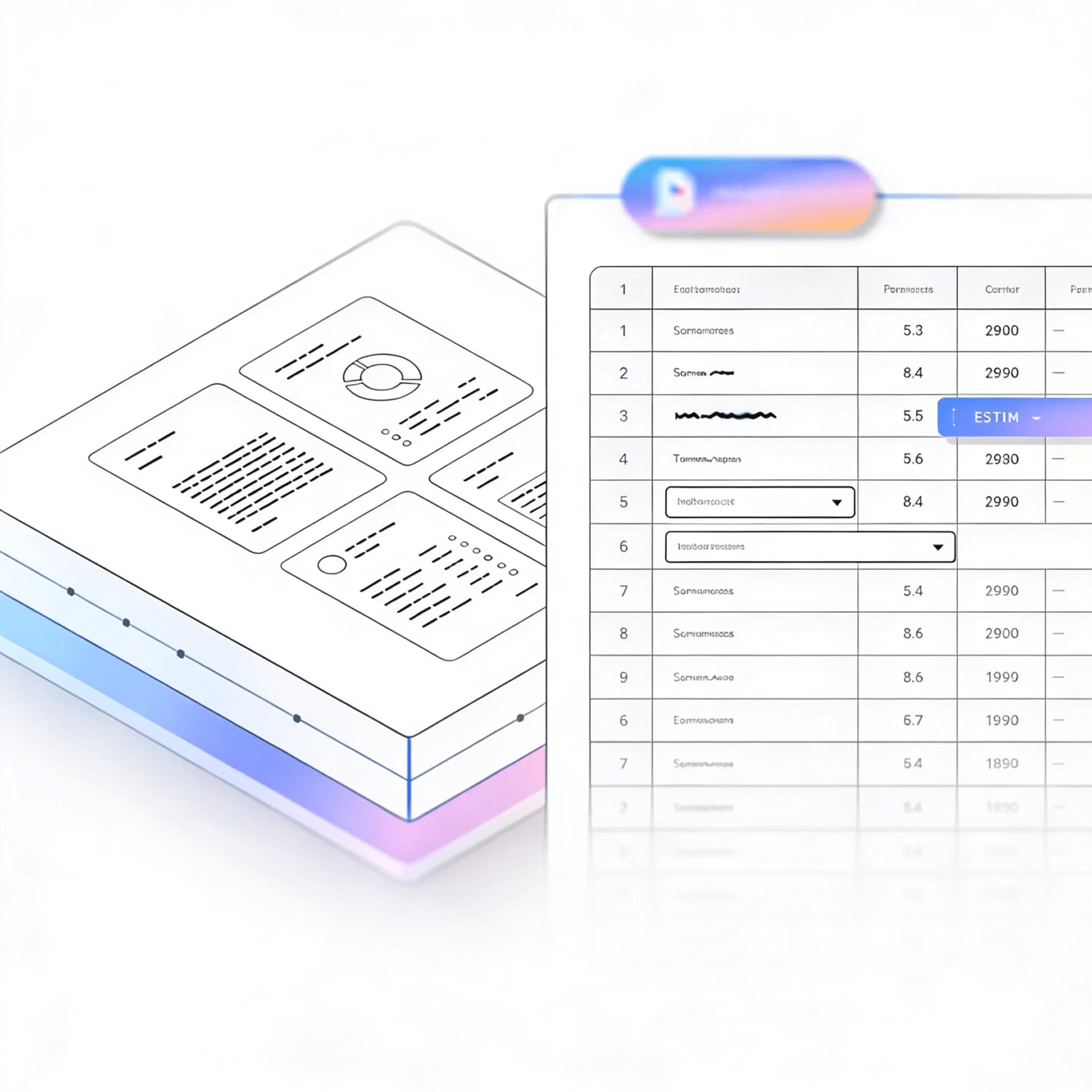
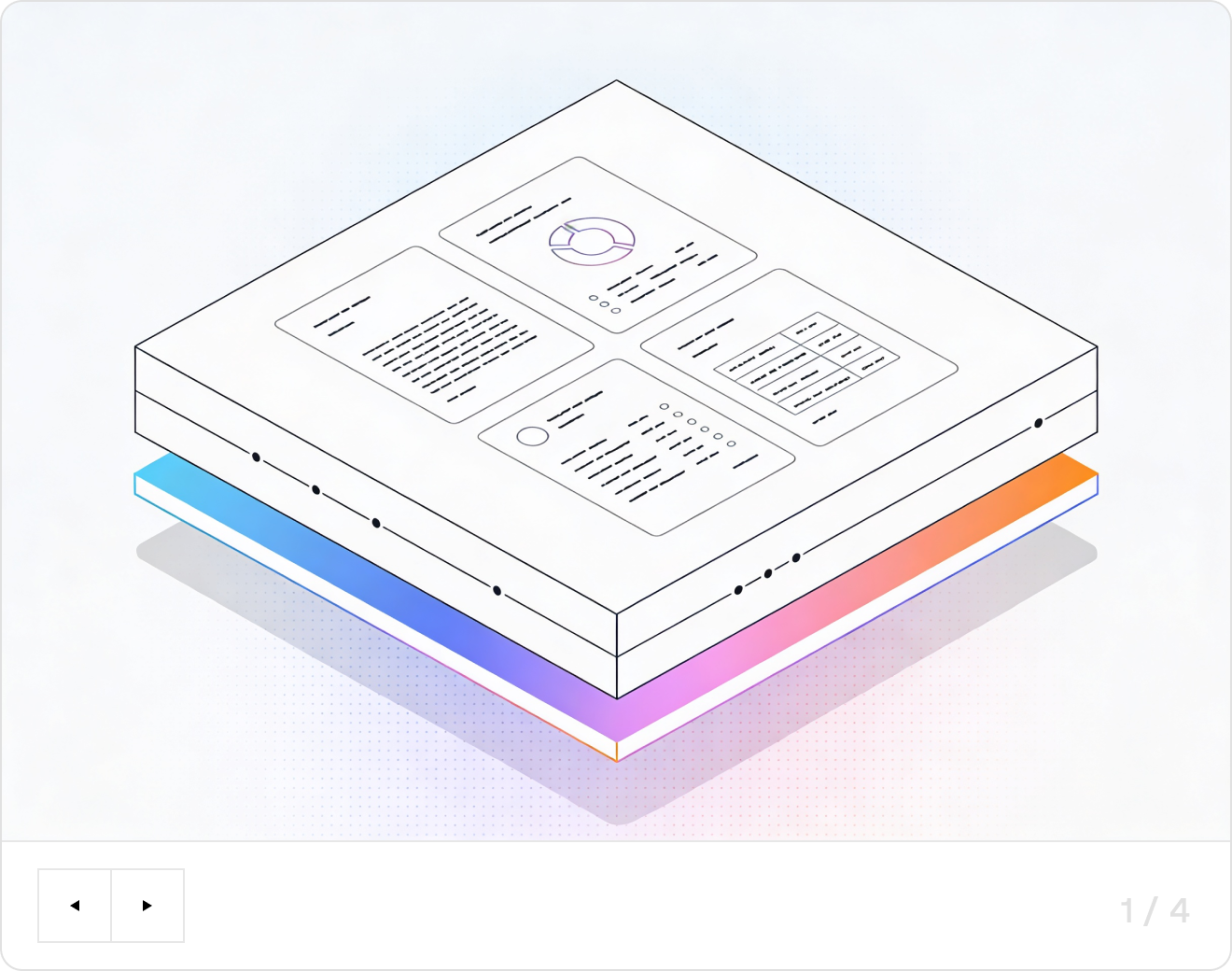
LlamaParse turns messy PDF tables into structured JSON or readable Markdown you can ship straight into pipelines, dashboards, or downstream agents. It uses layout-aware vision and validation loops to preserve rows, headers, and merged cells, so extraction stays reliable across formats.
Built for Complexity

Financial Services and Banking Operations
Turn statement PDFs, loan packages, and audit reports into clean, structured tables without the usual column drift and broken reading order that makes reconciliation painful. LlamaParse preserves table integrity and outputs Markdown or JSON so finance teams can auto-populate risk models, reconcile positions, and accelerate month-end close with fewer manual fixes.

Insurance Claims and Underwriting
Extract tables from loss runs, estimates, medical bills, and adjuster reports—even when they’re embedded in scans with mixed layouts—so claim line items and coverage details don’t get missed. With JSON mode and granular metadata, teams can trace every extracted value back to page coordinates for fast review, dispute handling, and underwriting decisions.

Manufacturing and Supply Chain Procurement
Convert supplier quotes, bills of materials, and spec-sheet PDFs into reliable line-item tables so part numbers, quantities, and unit pricing flow directly into ERP and sourcing workflows. Layout-aware parsing prevents scrambled multi-column sections and reduces re-keying, enabling faster vendor comparisons and cleaner spend analytics.

Startups and SaaS Product Teams
Ship “upload a PDF and get a usable table” features without writing brittle extraction code that breaks the moment a customer’s template changes. LlamaParse returns AI-ready Markdown/JSON and can be guided with natural-language parsing instructions, letting small teams go from messy PDFs to production-grade datasets in days, not quarters.
The Engine Room
Feature 01
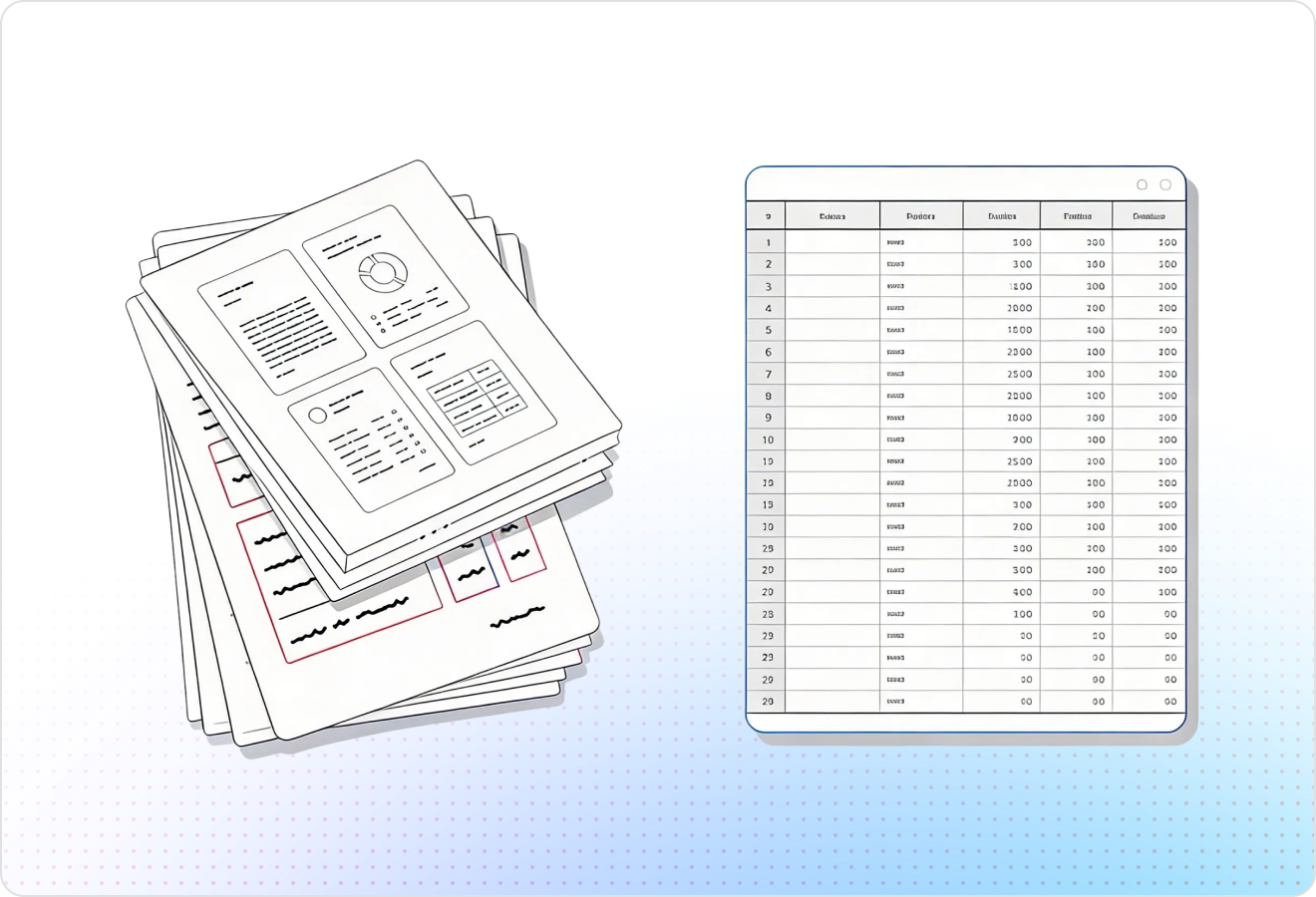
LlamaParse detects page structure and isolates tables from surrounding text, even in multi-column PDFs and dense financial reports. You get clean rows/columns without the scrambled cell order that makes PDF tables painful to use downstream.
Feature 02
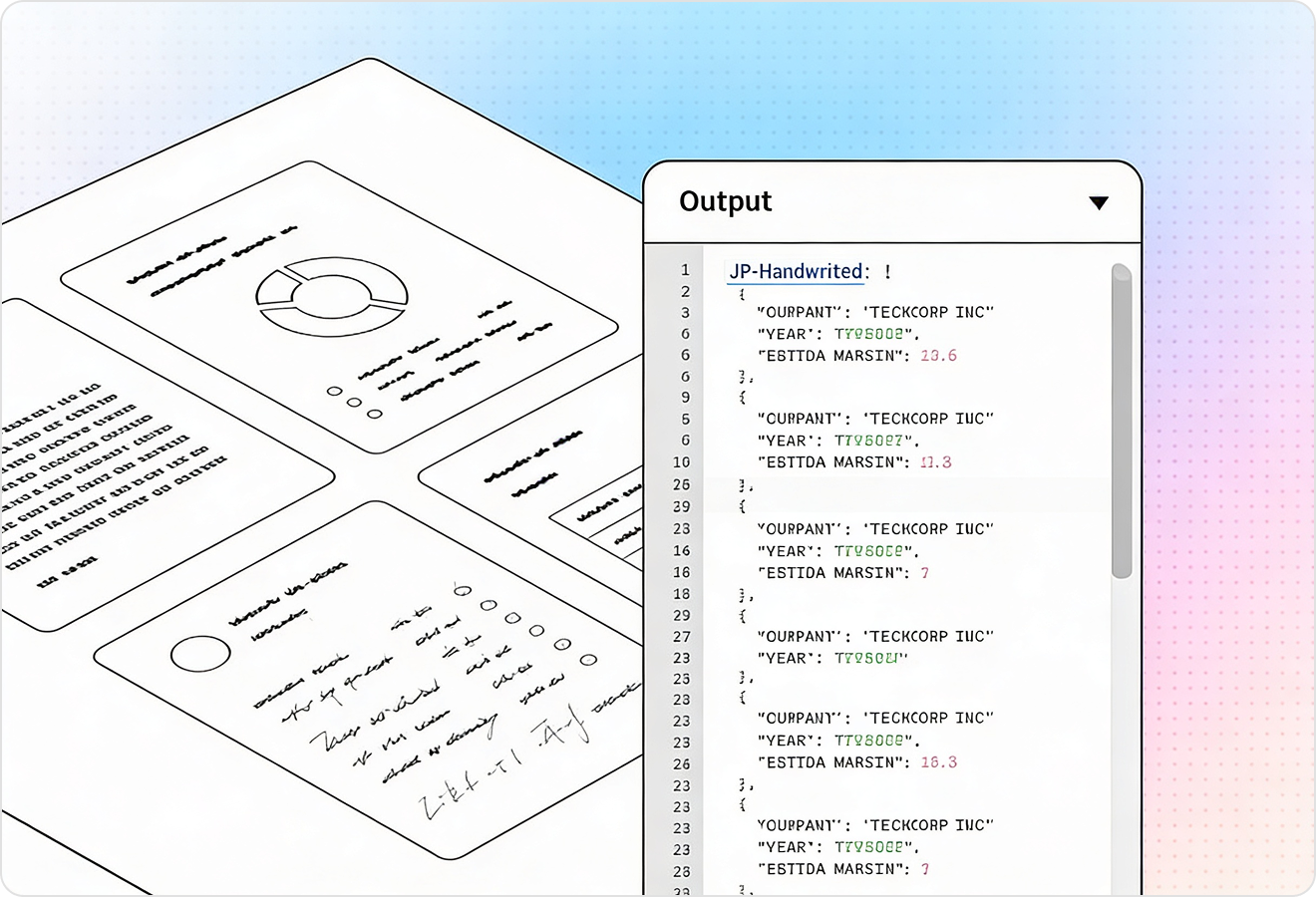
Export extracted tables as JSON so every cell is machine-ready for databases, spreadsheets, or ETL pipelines. This avoids brittle post-processing and makes it straightforward to map PDF tables into your target schema.
Feature 03
Each extracted table element can include page-level traceability like coordinates and source references, so you can confirm where every value came from. That makes it easier to debug mismatched totals, handle exceptions, and support human review when needed.
Feature 04
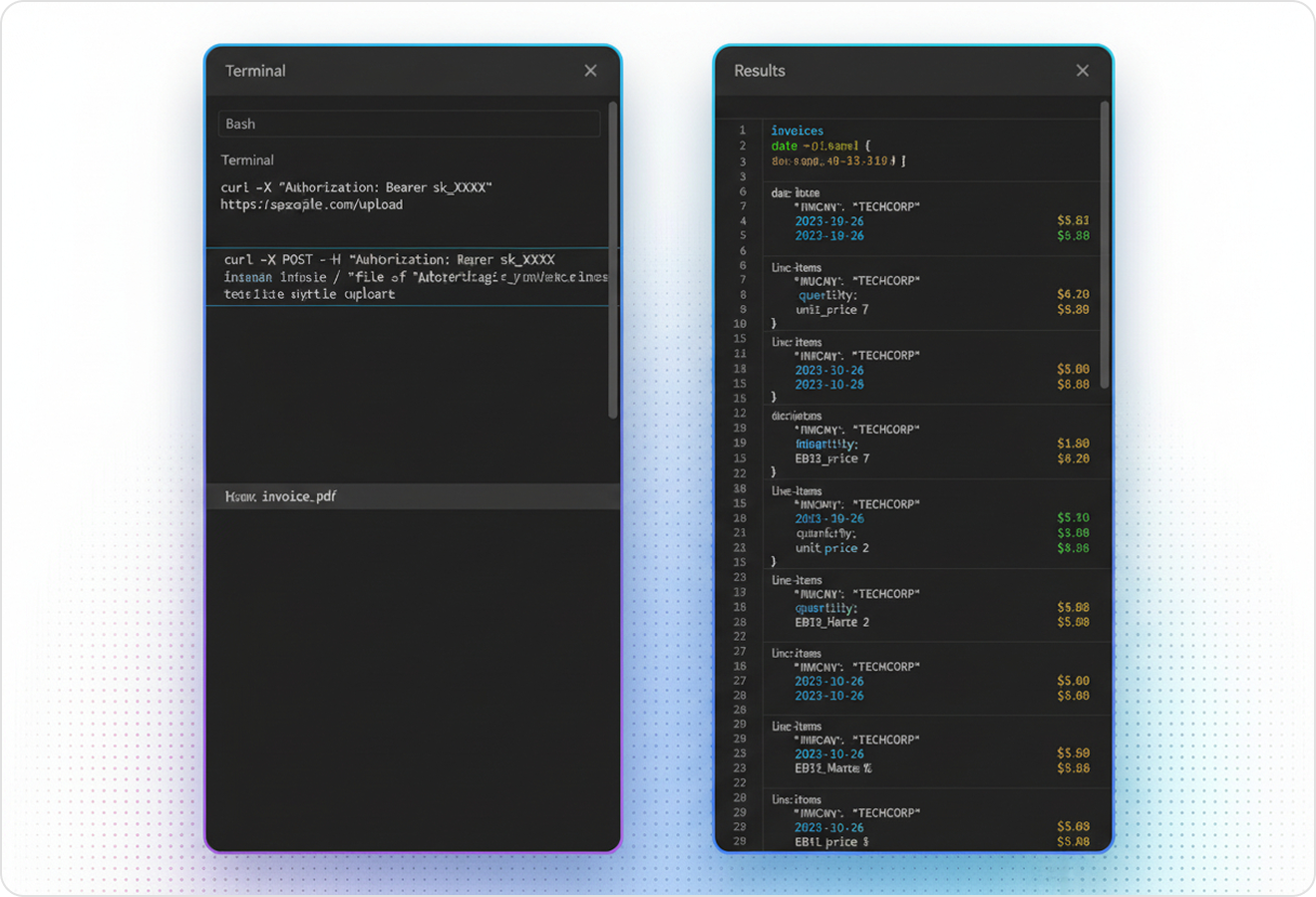
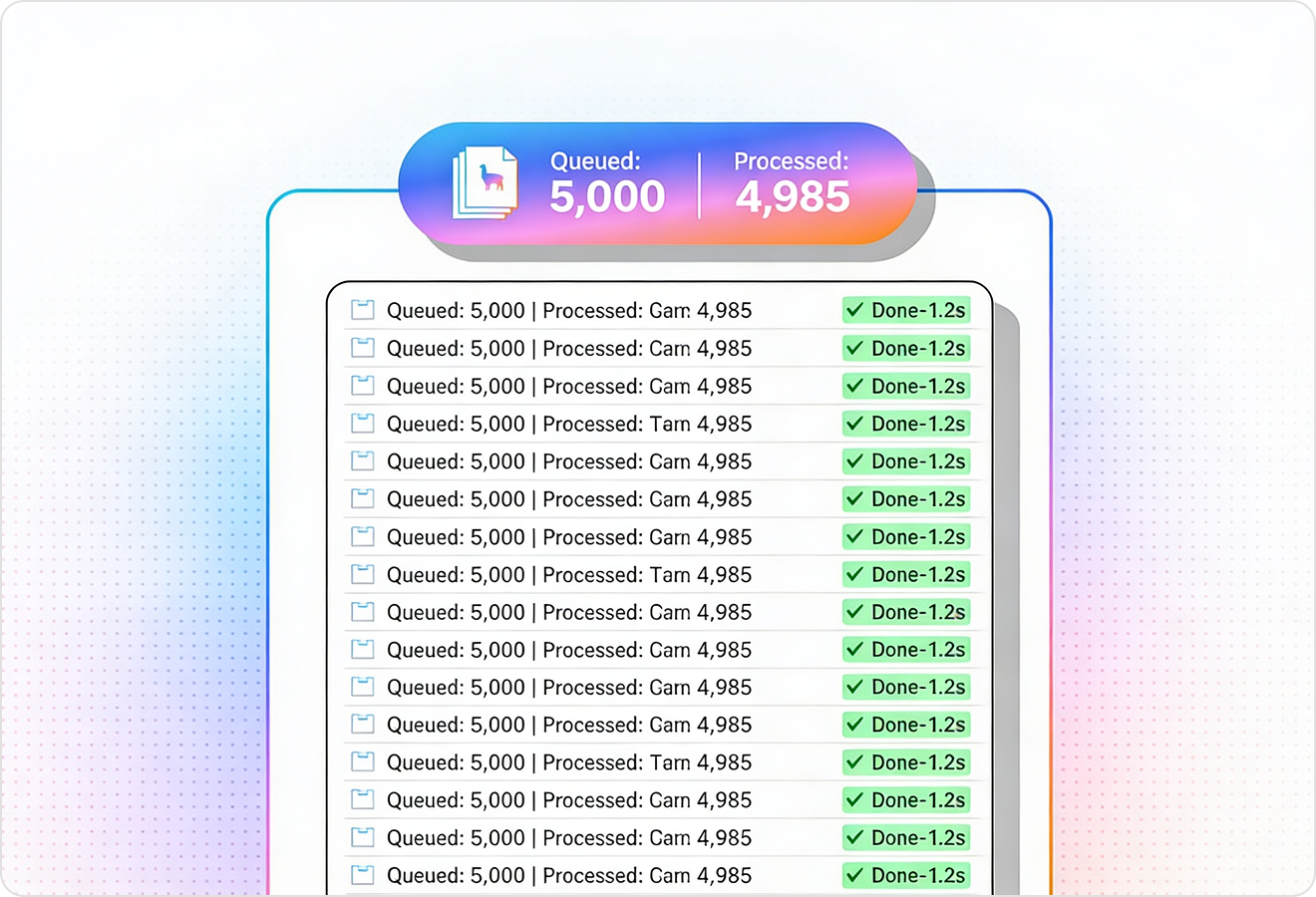
LlamaParse uses validation and self-correction steps to catch common table extraction failures like shifted columns, missing headers, or merged cells. This raises straight-through processing for real-world PDFs, including scans and inconsistent templates, without you babysitting edge cases.
Technical OCR documentation
Explore our developer guides to easily connect your document pipelines to LlamaParse.

Our AI catches the typos that tired eyes miss.

Export to Excel, JSON, XML, or directly via API.

SOC2 Type II compliant with end-to-end encryption.

Train the tool on your specific forms in minutes, not days.

Average processing time of <3 seconds per page.
LlamaParse’s support of a wide variety of filetypes and its accuracy of parsing made it the best tool we tested in our evaluations. The LlamaIndex team was very responsive and we were off to the races within a day.
Common FAQs
01
Will it accurately extract tables from complex PDFs like multi-column layouts or financial statements?
Yes—layout-aware extraction detects the page structure and isolates tables from surrounding text, even in dense, multi-column documents. That means you get clean rows and columns without the scrambled cell order that breaks analysis.
02
Can I export extracted tables as structured JSON for my database or ETL pipeline?
Absolutely—Structured JSON Output Mode returns tables as machine-ready JSON where each cell is consistently addressable. This makes it easy to map fields into your schema and reduces the need for brittle post-processing scripts.
03
How can I verify where each extracted value came from in the original PDF?
Each table can include verifiable metadata like page references and coordinates, so you can trace values back to their source. This is ideal for audits, debugging mismatched totals, and enabling quick human review when needed.
04
What happens when the PDF has messy tables—shifted columns, missing headers, or merged cells?
Agentic parsing validation loops automatically check and self-correct common extraction failures like column shifts and header issues. You get higher straight-through processing on real-world PDFs without spending time babysitting edge cases.
05
Will it work on scanned PDFs or inconsistent templates across different vendors?
It’s designed for real-world variability, including scans and inconsistent table layouts. The validation and correction steps help normalize results so you can process more documents reliably with fewer manual fixes.
06
How does this reduce manual cleanup compared to traditional PDF table extractors?
By combining layout-aware detection with structured JSON output, you avoid the common rework of reordering cells and rebuilding headers. The added traceability and validation steps also make it faster to trust results and move them downstream.