Nov 14, 2025
Document AI: The Next Evolution of Intelligent Document ProcessingPersona
Industry
Use cases
Document Automation
[ Document Automation ]

Use LlamaParse to turn messy PDFs into structured JSON your workflows can trust.

The USP

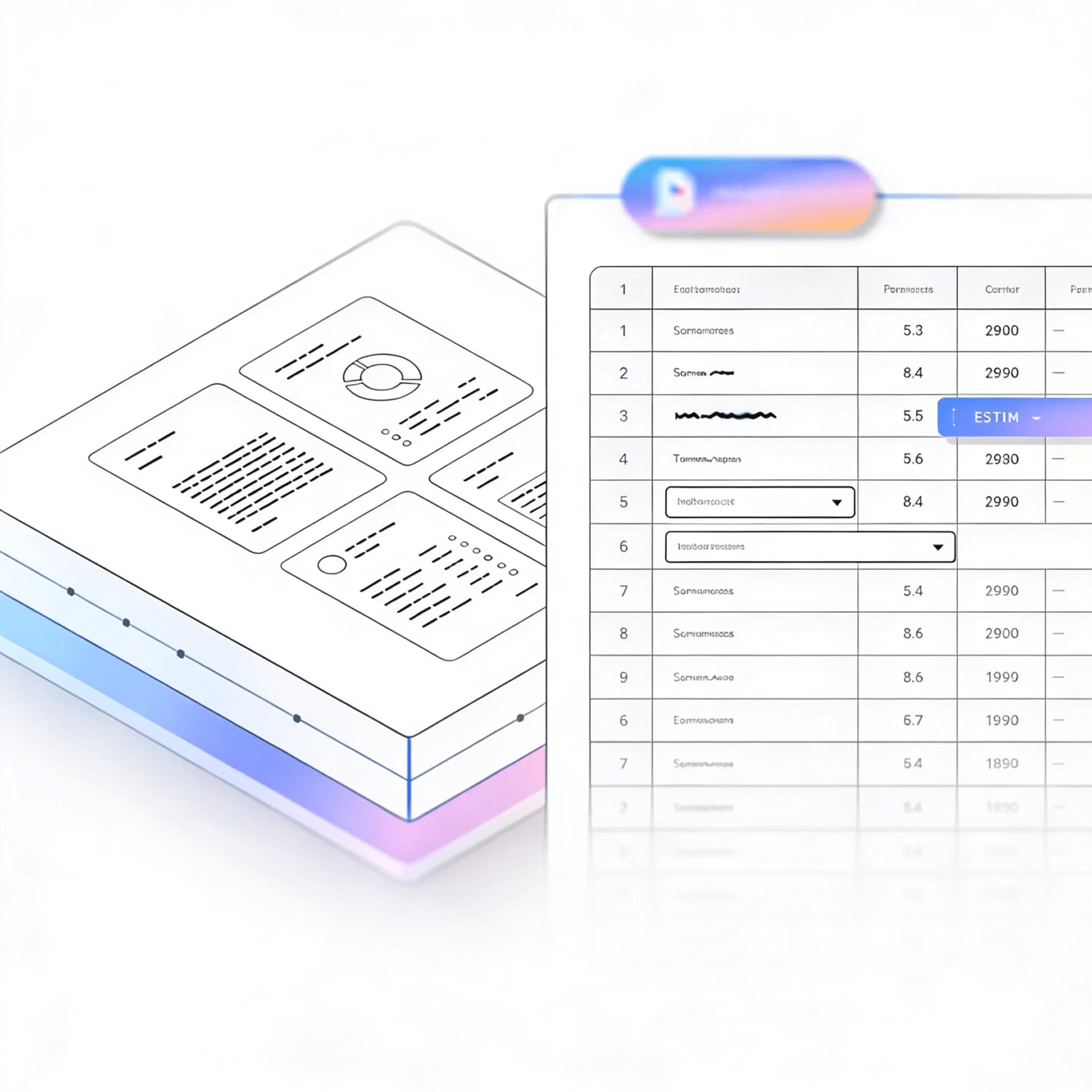
LlamaParse turns messy PDFs, scans, and forms into structured Markdown or JSON, so your automations start with reliable, machine-readable context. Layout-aware vision plus agentic validation loops capture tables, charts, and edge cases with citations and confidence, reducing manual review and rework.
Built for Complexity

Startups
Turn inbound PDFs (contracts, invoices, onboarding docs) into clean JSON or Markdown in days, so your team can ship workflows without building brittle parsing code. Use natural-language parsing instructions to standardize outputs across constantly changing customer templates and keep your product moving.

Insurance Claims & Underwriting
Parse loss runs, adjuster notes, and claim packets with layout-aware structure so tables and multi-column forms don’t get scrambled or dropped. Auto-correction loops and metadata-backed traceability reduce rework by flagging low-confidence fields for quick human review instead of full-file audits.

Logistics & Supply Chain Operations
Extract line items from bills of lading, packing lists, and commercial invoices while preserving reading order across stamps, headers, and multi-page shipments. Multimodal parsing converts embedded charts and scanned annotations into usable data so exceptions can be routed and resolved faster.

Legal Services & Corporate Compliance
Convert agreements, exhibits, and regulatory filings into structured outputs with citations and page coordinates, enabling defensible review workflows and faster clause extraction. Capture complex tables and embedded figures accurately to support diligence, audit prep, and policy enforcement without manual re-keying.
The Engine Room
Feature 01
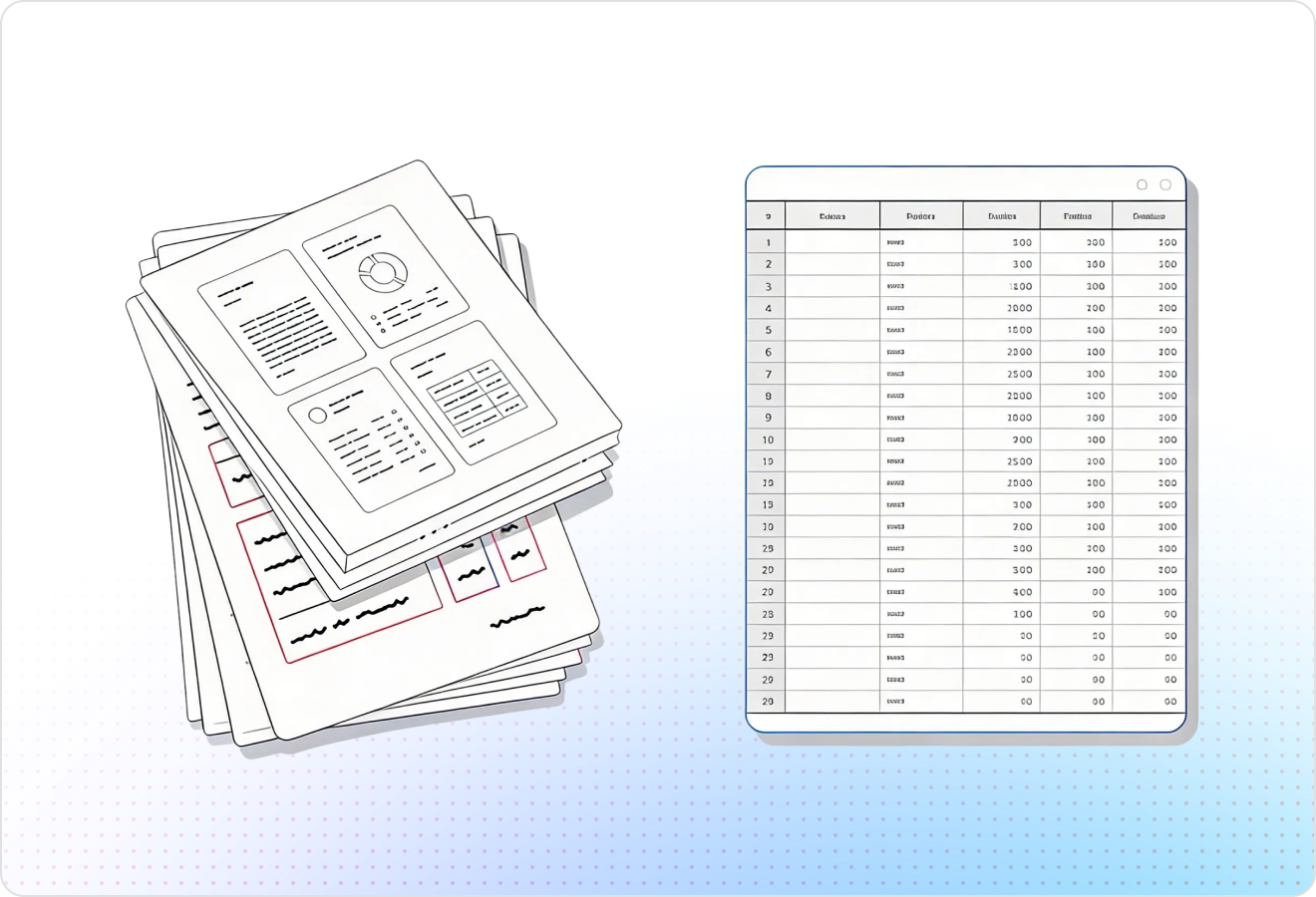
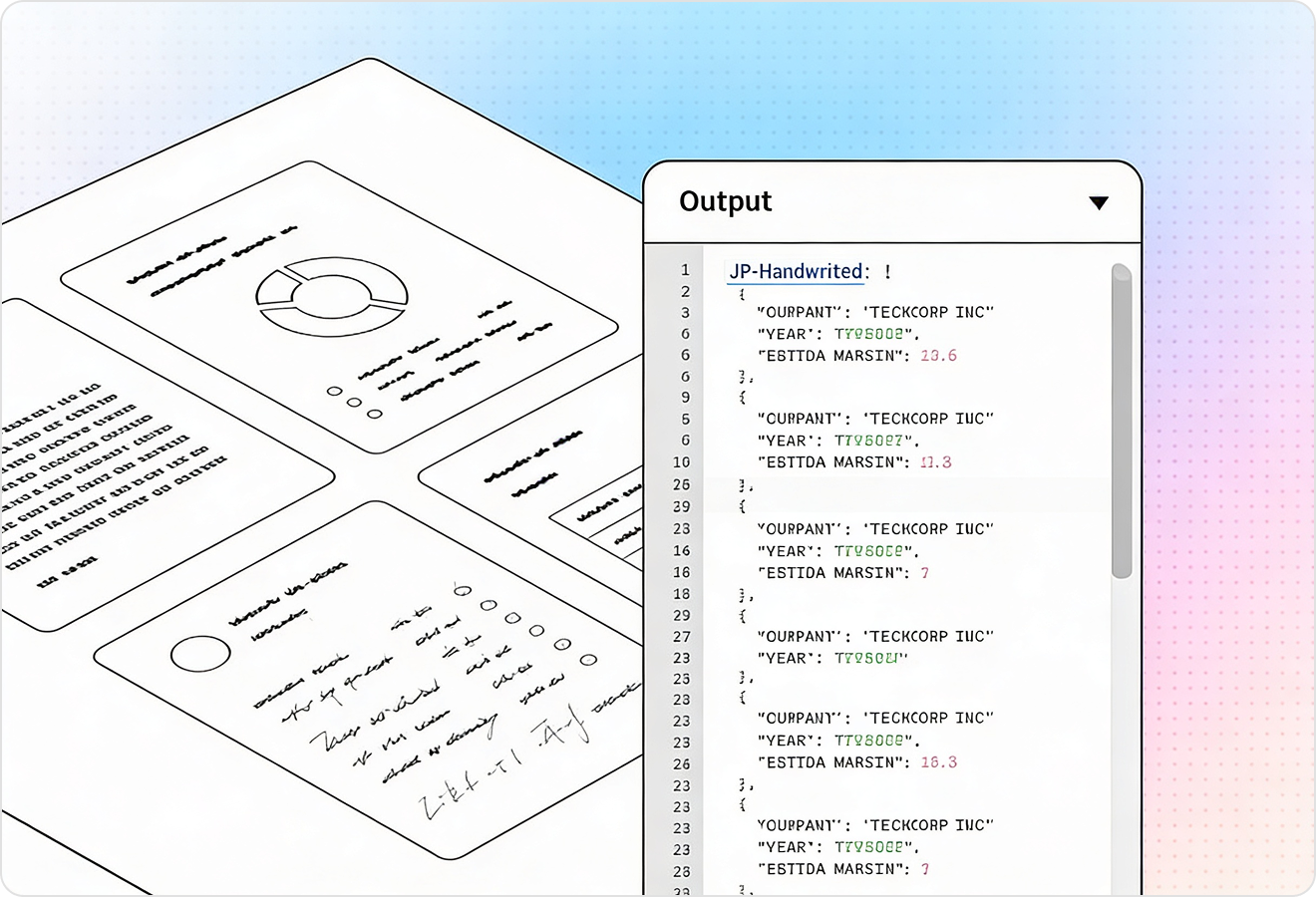
LlamaParse detects sections, columns, headers/footers, and reading order so documents don’t turn into scrambled text. That structure is what makes document automation reliable—downstream workflows can route, classify, and act on the right parts of a page without brittle cleanup code.
Feature 02
It extracts complex tables (including merged cells and nested rows) while preserving relationships and labels instead of flattening everything into ambiguous text. This lets automated workflows populate systems of record, validate totals, and trigger approvals using trustworthy tabular data.
Feature 03
LlamaParse can return structured JSON with granular metadata like page numbers, element types, and spatial coordinates for each extracted field. For document automation, that means you can build auditable pipelines with deterministic mappings and fast exception handling when something doesn’t match expected values.
Feature 04
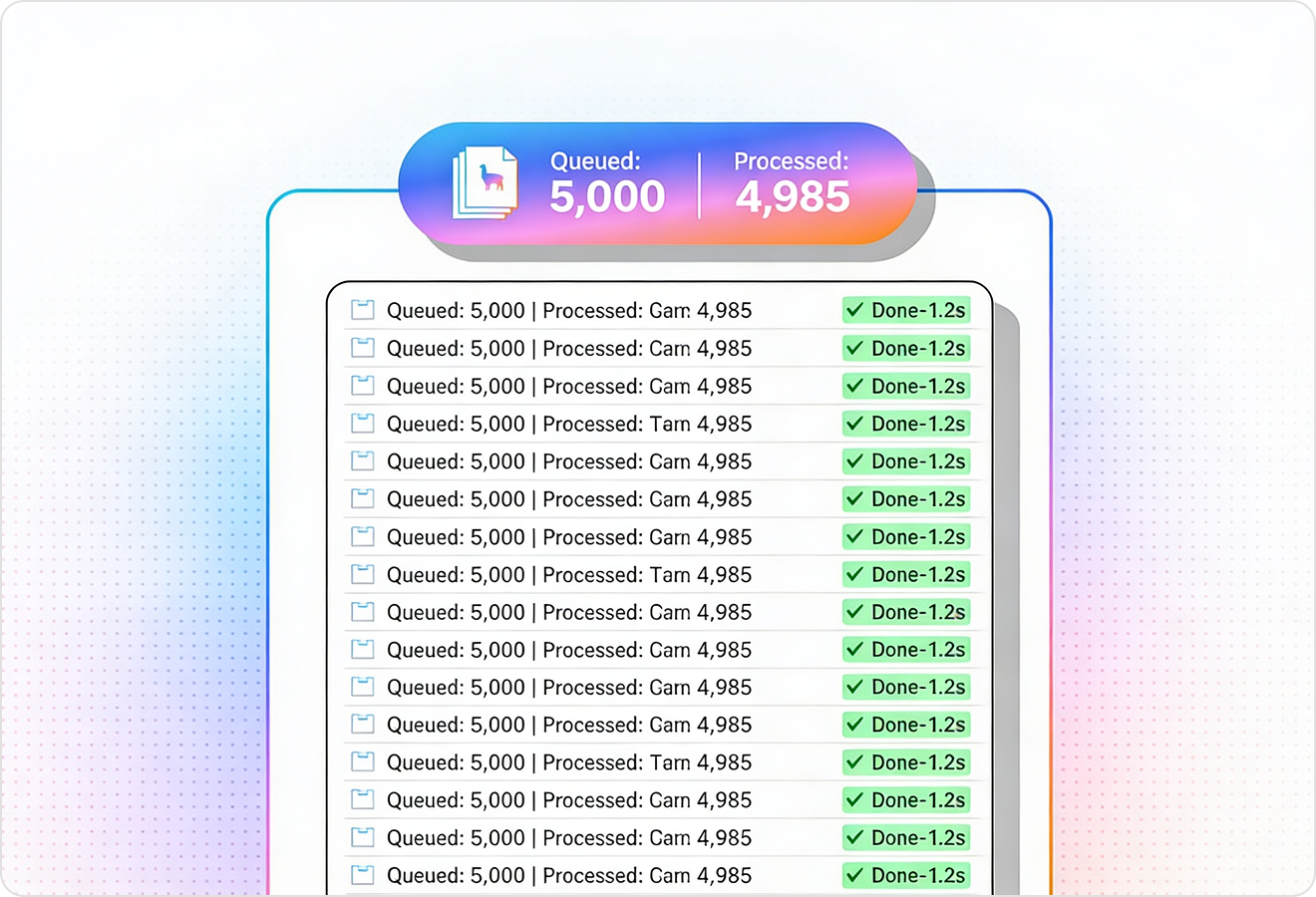
The parser runs self-checks to catch common extraction mistakes and iteratively correct inconsistencies before returning results. This increases straight-through processing for document automation by reducing manual review and preventing downstream actions from being triggered on bad data.
Technical OCR documentation
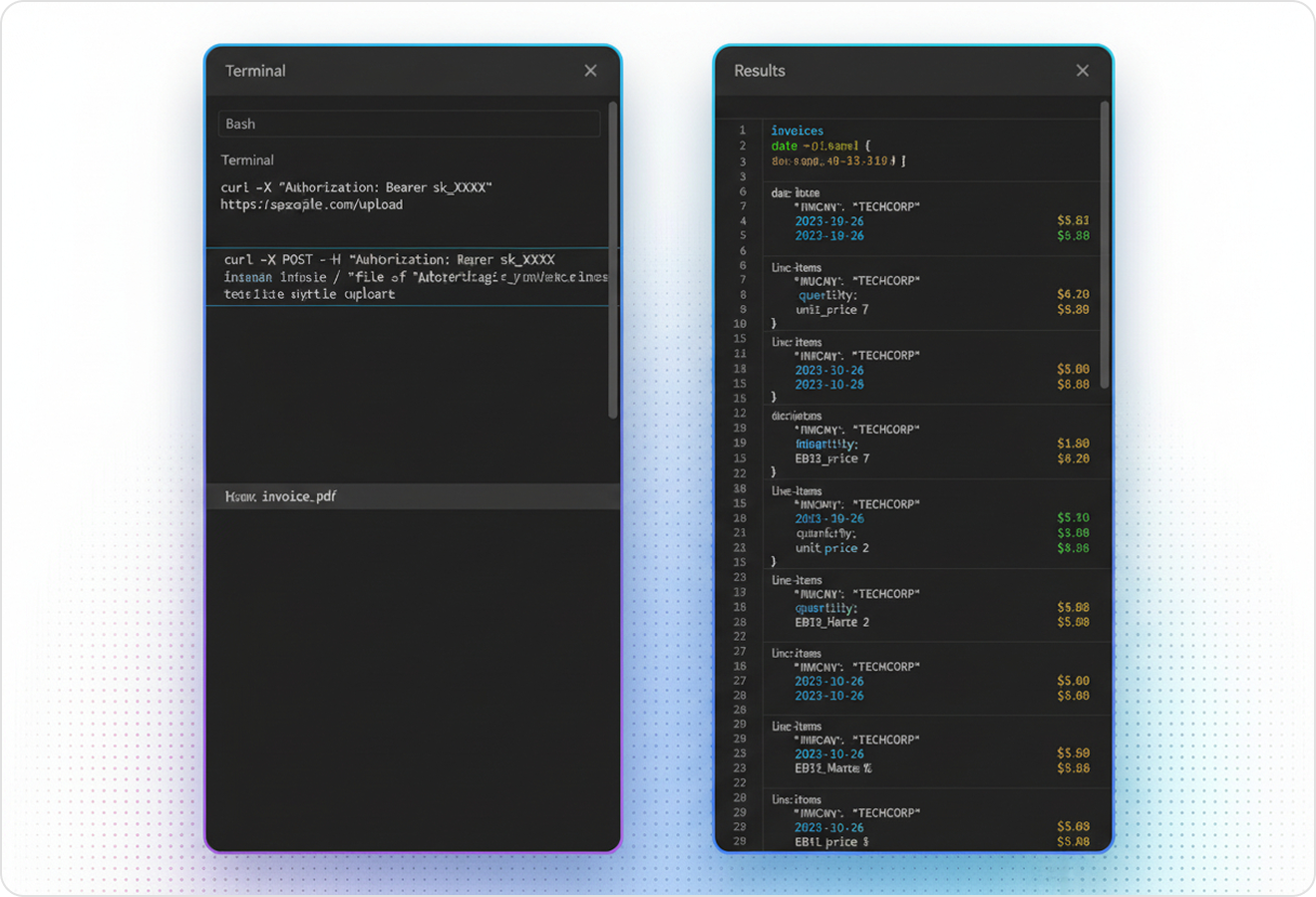
Explore our developer guides to easily connect your document pipelines to LlamaParse.

Our AI catches the typos that tired eyes miss.

Export to Excel, JSON, XML, or directly via API.

SOC2 Type II compliant with end-to-end encryption.

Train the tool on your specific forms in minutes, not days.

Average processing time of <3 seconds per page.
LlamaParse’s support of a wide variety of filetypes and its accuracy of parsing made it the best tool we tested in our evaluations. The LlamaIndex team was very responsive and we were off to the races within a day.
Common FAQs
01
Will my documents turn into scrambled text, especially with columns, headers, and footers?
No—layout-aware structuring preserves sections, columns, headers/footers, and the correct reading order. That means your downstream automation can reliably route and classify content without brittle cleanup scripts.
02
How accurate is table extraction for complex tables with merged cells or nested rows?
High-fidelity table extraction preserves cell relationships, labels, and structure—including merged cells and multi-level rows. This makes it practical to populate systems of record, validate totals, and trigger approvals using trustworthy tabular data.
03
Do you provide structured output like JSON, and can I trace results back to the source document?
Yes, you can get structured JSON with metadata such as page numbers, element types, and spatial coordinates for each extracted field. This traceability makes audits and exception handling straightforward because every value can be tied back to its exact location.
04
What happens when the parser makes a mistake—do I have to build my own validation layer?
Auto-correction validation loops run built-in self-checks to catch common extraction issues and iteratively fix inconsistencies before results are returned. You get higher straight-through processing and fewer manual reviews without adding extra validation code.
05
How does this help me build reliable document automation workflows, not just extract text?
By preserving layout structure and producing traceable JSON, you can map fields deterministically and route work based on the right parts of the page. That reduces edge-case handling and keeps automations stable as document formats vary.
06
Can I confidently trigger downstream actions (like approvals or payments) from extracted data?
Yes—because tables and fields keep their structure and the system performs validation checks before returning results, you can enforce rules like totals matching, required fields present, or thresholds exceeded. When something doesn’t match expectations, you can quickly pinpoint the source location and handle it as an exception instead of risking a bad action.