Nov 14, 2025
Document AI: The Next Evolution of Intelligent Document ProcessingPersona
Industry
Use cases
Automate Patient Intake
[ Automate Patient Intake ]

Use LlamaParse to turn intake forms into structured data your EHR can trust, automatically.
The USP

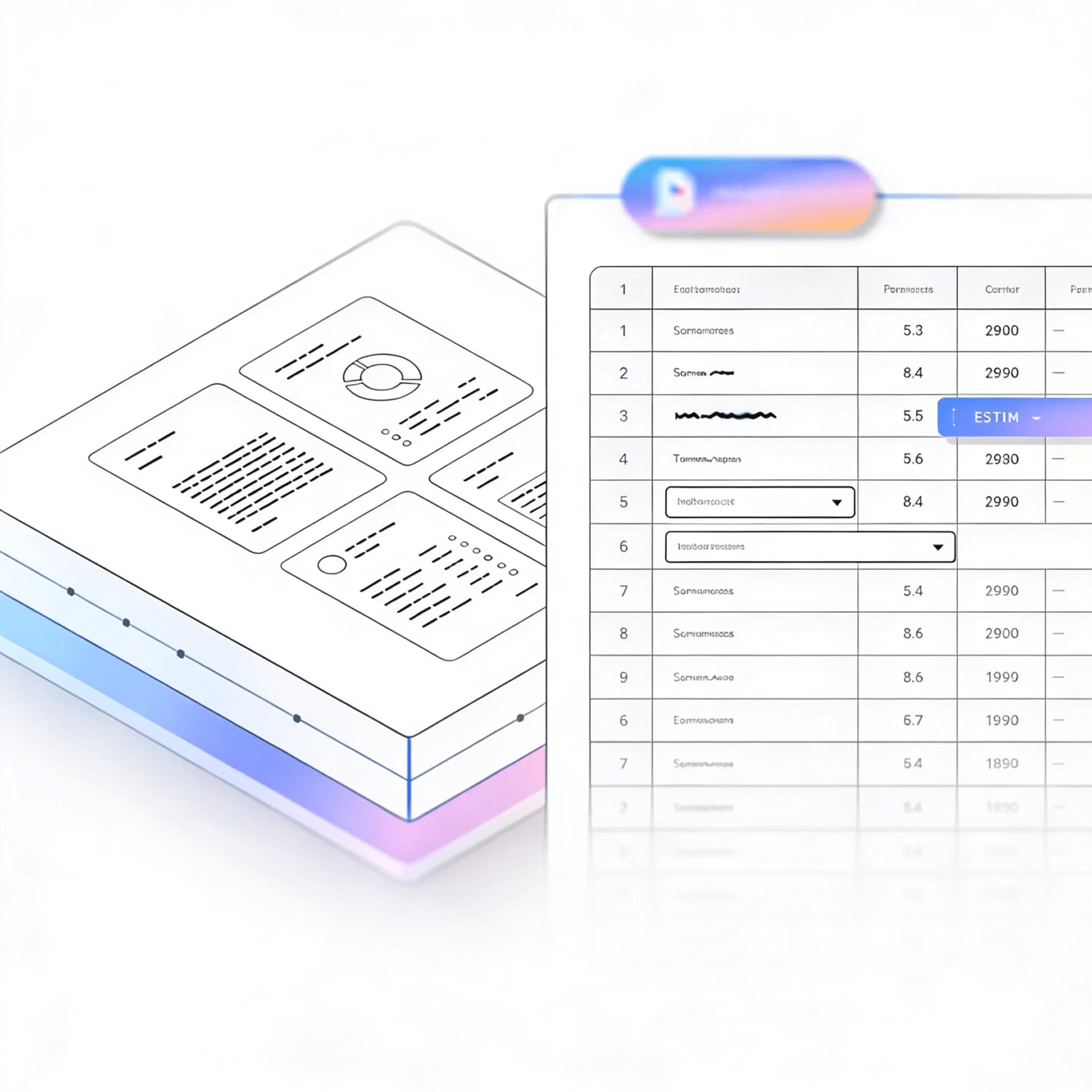
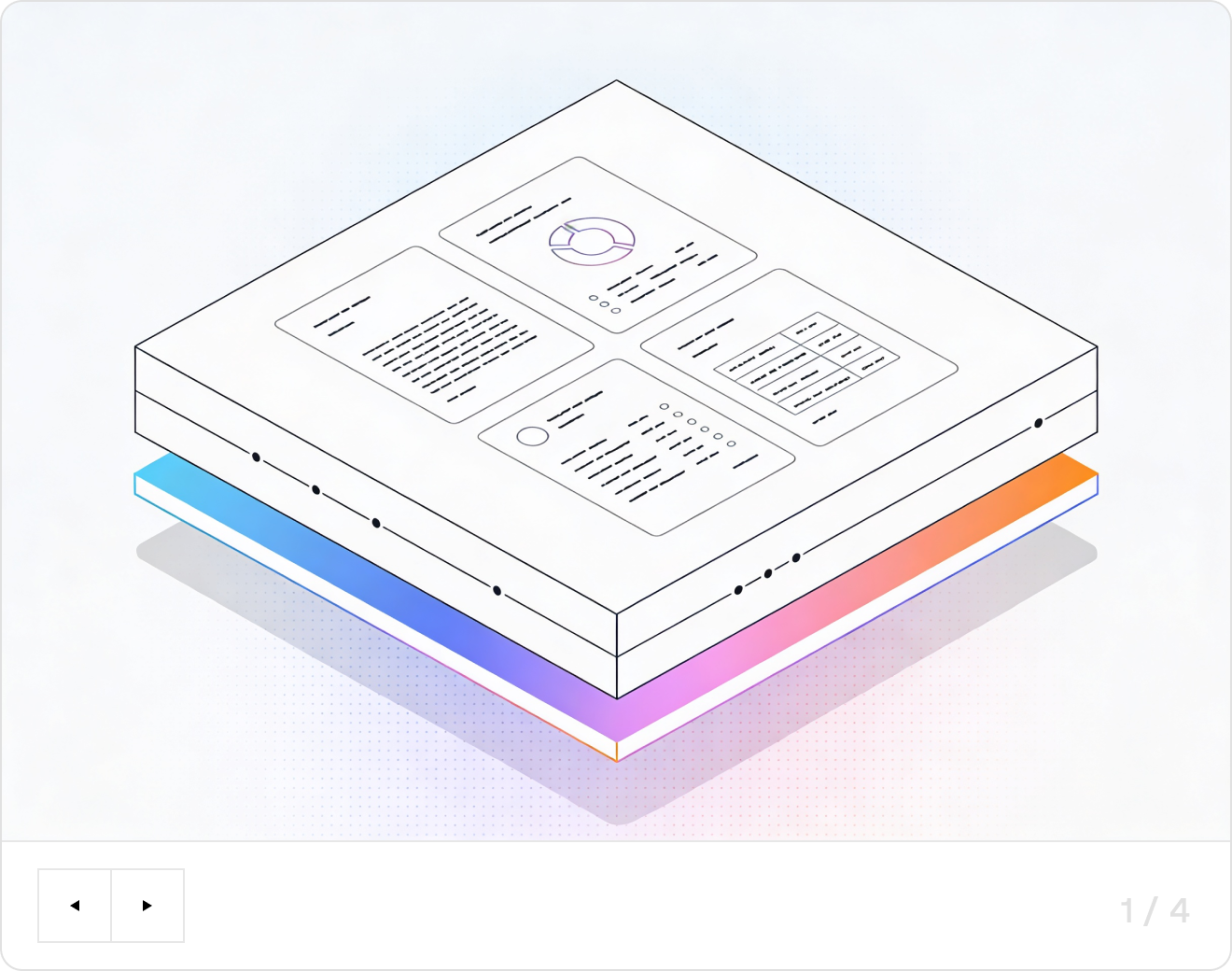
LlamaParse turns scanned or messy patient intake forms into clean, structured fields you can push straight into your EHR or workflow. Its agentic document parsing understands layout, tables, and checkboxes, adds citations and confidence, and reduces manual rekeying and errors.
Built for Complexity

Healthcare Provider Networks
Use LlamaParse to turn messy intake PDFs, referral notes, and insurance cards into clean JSON so EHR teams can auto-create patient records and pre-visit questionnaires without manual data entry. Layout-aware table extraction preserves medication lists and history grids, reducing registration bottlenecks and preventing downstream charting errors.

Health Insurance Payers
Automate intake of prior auth forms and clinical attachments by parsing multi-page packets into structured fields with citations, so reviewers can verify decisions quickly and defensibly. Agentic routing handles mixed scans and table-heavy documents without constant template maintenance, improving first-pass adjudication and lowering operational cost per case.

Clinical Research Organizations
Convert patient intake diaries, eligibility questionnaires, and site-submitted documents into standardized, audit-ready datasets while retaining page-level traceability for monitoring and queries. Multimodal parsing captures tables and embedded charts so data managers spend less time reconciling inconsistencies and more time accelerating study timelines.

Digital Health Startups
Ship automated patient intake fast by using LlamaParse APIs to ingest uploads (PDFs, scans, photos) and return app-ready Markdown/JSON that plugs directly into onboarding flows and triage agents. Natural-language parsing instructions let small teams iterate on what gets extracted—symptoms, demographics, consent—without building brittle rules or custom document templates.
The Engine Room
Feature 01
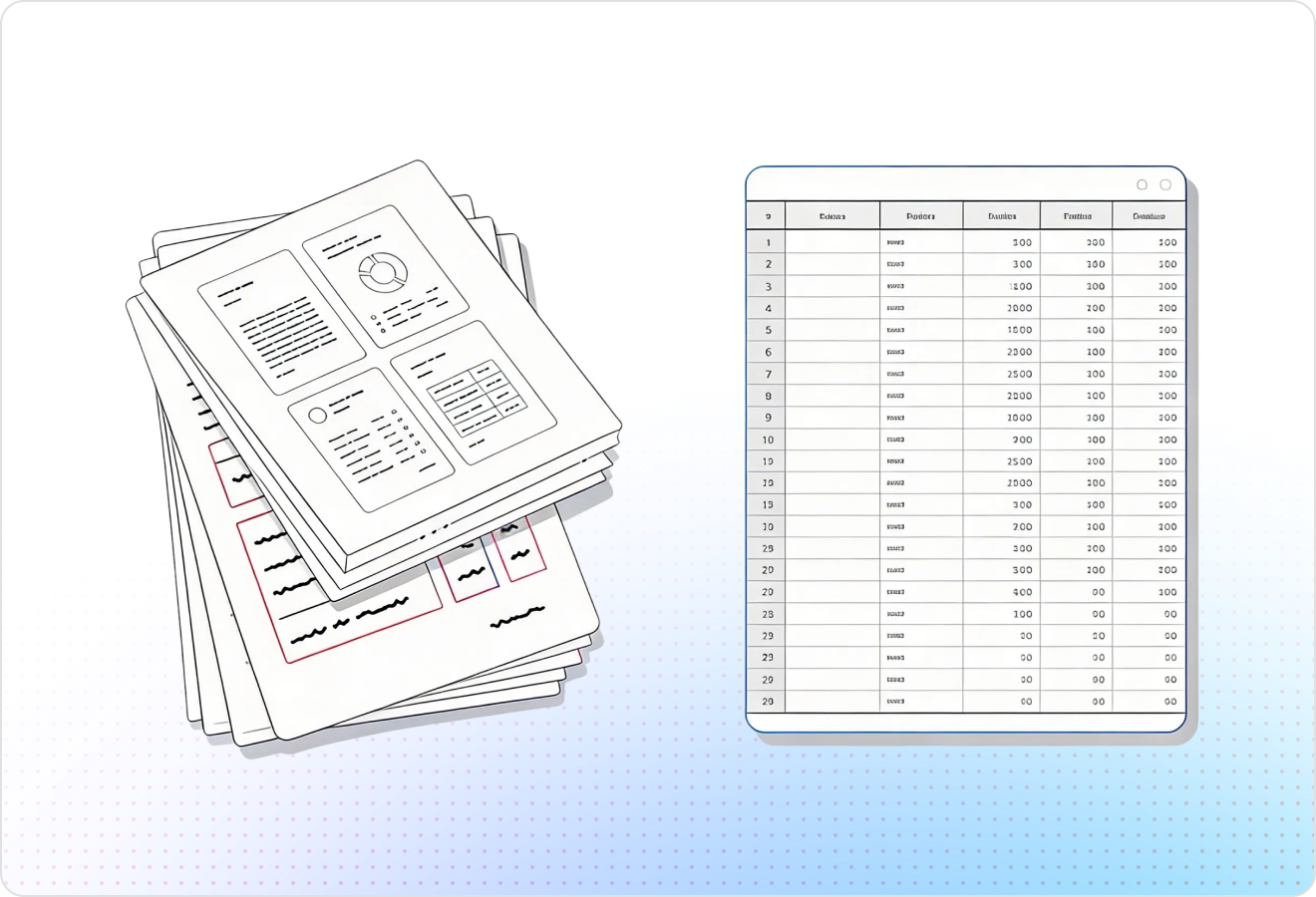
LlamaParse understands real intake packet layouts—checkboxes, multi-column sections, headers/footers, and repeated blocks—so fields don’t get scrambled when the template changes. That means demographic info, insurance details, and consent sections land in the right place for automated patient intake without brittle post-processing.
Feature 02
It accurately reconstructs tables and grids into clean, AI-ready structure instead of dumping cells as a flat text stream. This is ideal for intake packets that include medication lists, allergies, past procedures, or family history tables you need to ingest into an EHR workflow.
Feature 03
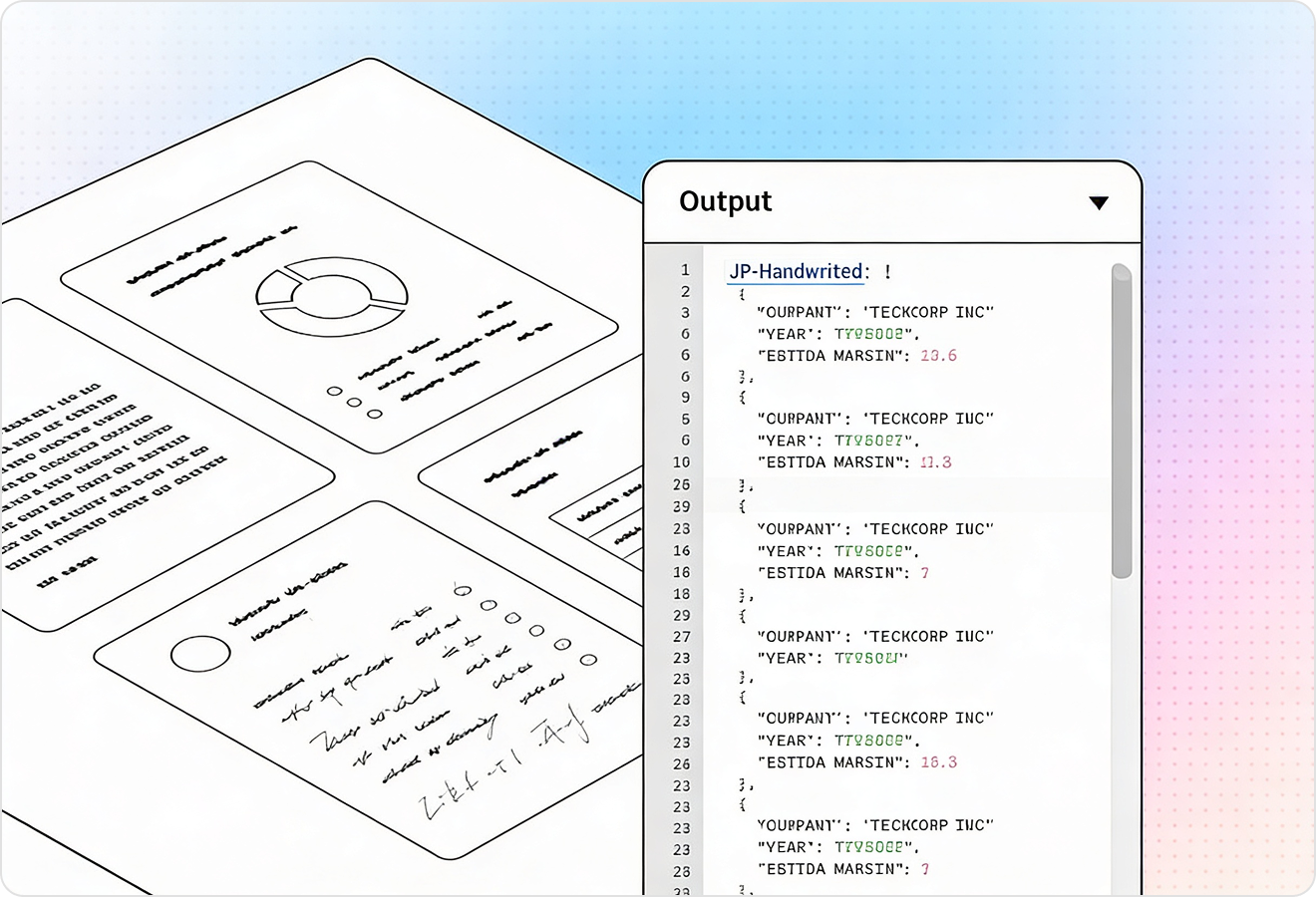
LlamaParse can return highly structured JSON with granular metadata like page numbers and element locations for each extracted value. For automated patient intake, you can map results directly to your intake schema and keep traceability for audits, QA, and human review when needed.
Feature 04
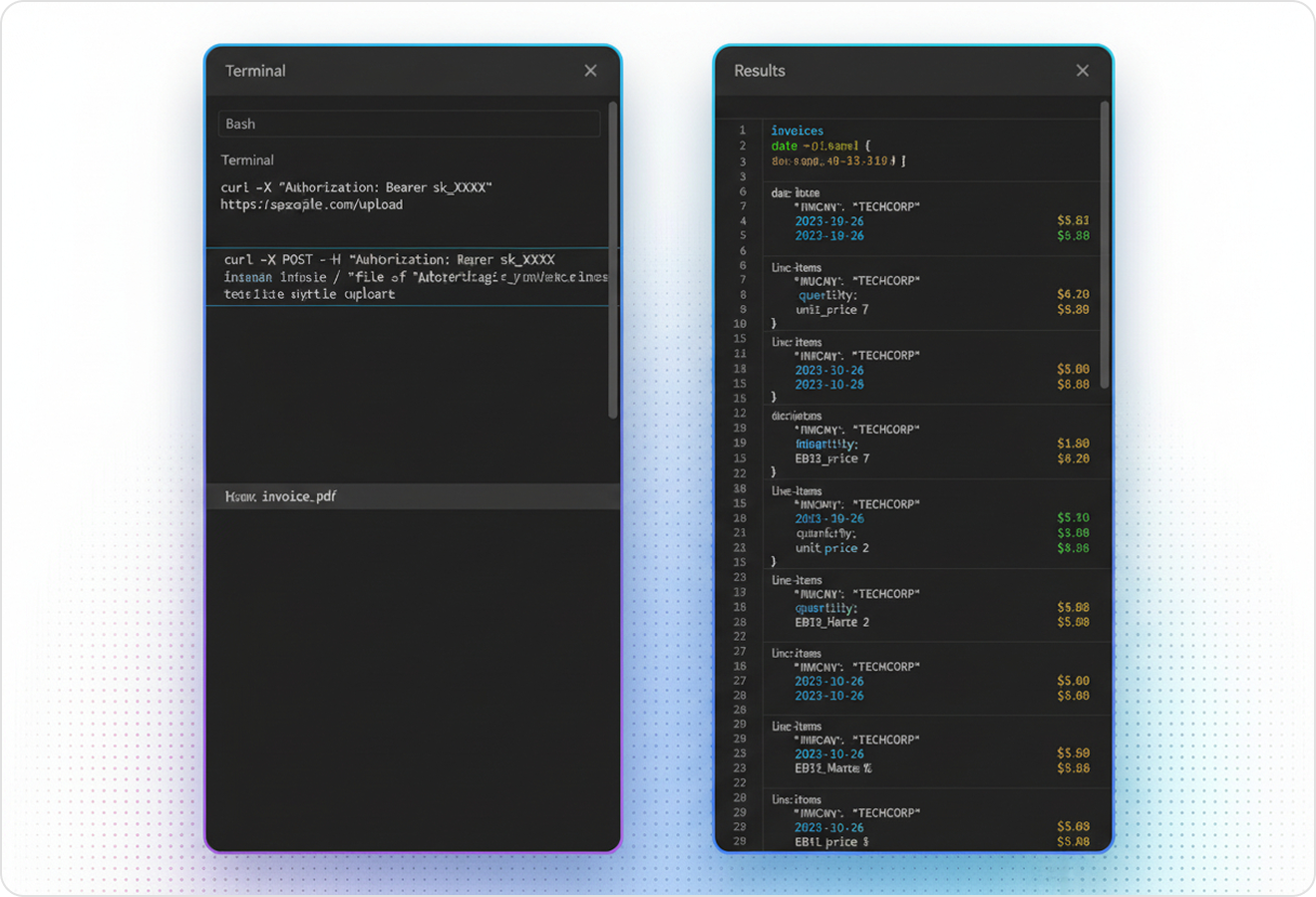
Agentic validation loops catch common extraction errors and inconsistencies (missing fields, conflicting values, broken formatting) before you persist data downstream. This reduces manual exception handling and improves straight-through processing for high-volume intake submissions, including messy scans and fax-like PDFs.
Technical OCR documentation
Explore our developer guides to easily connect your document pipelines to LlamaParse.

Our AI catches the typos that tired eyes miss.

Export to Excel, JSON, XML, or directly via API.

SOC2 Type II compliant with end-to-end encryption.

Train the tool on your specific forms in minutes, not days.

Average processing time of <3 seconds per page.
LlamaParse’s support of a wide variety of filetypes and its accuracy of parsing made it the best tool we tested in our evaluations. The LlamaIndex team was very responsive and we were off to the races within a day.
Common FAQs
01
Will it still extract the right fields if our intake packet layout changes?
Yes. Layout-aware parsing understands real-world form structure—checkboxes, multi-column sections, headers/footers, and repeated blocks—so values don’t shift when templates are updated. That means demographics, insurance, and consent fields land in the right place without brittle, template-specific rules.
02
How does it handle checkboxes and multi-select options in consent and history sections?
Checkboxes are interpreted in context, so selections are captured as discrete, usable values rather than ambiguous text. This helps you reliably ingest things like consent acknowledgments, preferred pharmacy, and symptom or history checklists with fewer manual reviews.
03
Our packets include tables for medications, allergies, and family history—can you extract those accurately?
Yes. Table and grid extraction reconstructs rows and columns into clean structure instead of flattening everything into a text blob. You get ready-to-map lists for meds, allergies, and procedures that fit neatly into EHR workflows.
04
What does the output look like, and can we map it directly into our EHR or intake schema?
You receive structured JSON that’s easy to map to your existing intake fields, including granular metadata like page numbers and element locations. This makes integration simpler and keeps traceability when you need to verify where a value came from.
05
How do you reduce errors from messy scans, low-quality PDFs, or fax-like documents?
Validation and self-correction loops automatically flag missing fields, conflicting values, and formatting issues before data is sent downstream. This reduces exception handling and increases straight-through processing, even when documents aren’t pristine.
06
How can our team audit results and quickly review edge cases without slowing down intake?
Each extracted value can include source context such as page references and element locations, making spot checks fast and defensible. When something looks uncertain, you can route only those cases to human review while keeping the rest fully automated.