Nov 14, 2025
Document AI: The Next Evolution of Intelligent Document ProcessingPersona
Industry
Use cases
OCR for Invoices
[ OCR for Invoices ]

Use LlamaParse to turn messy invoices into accurate, structured fields your systems can trust.
The USP

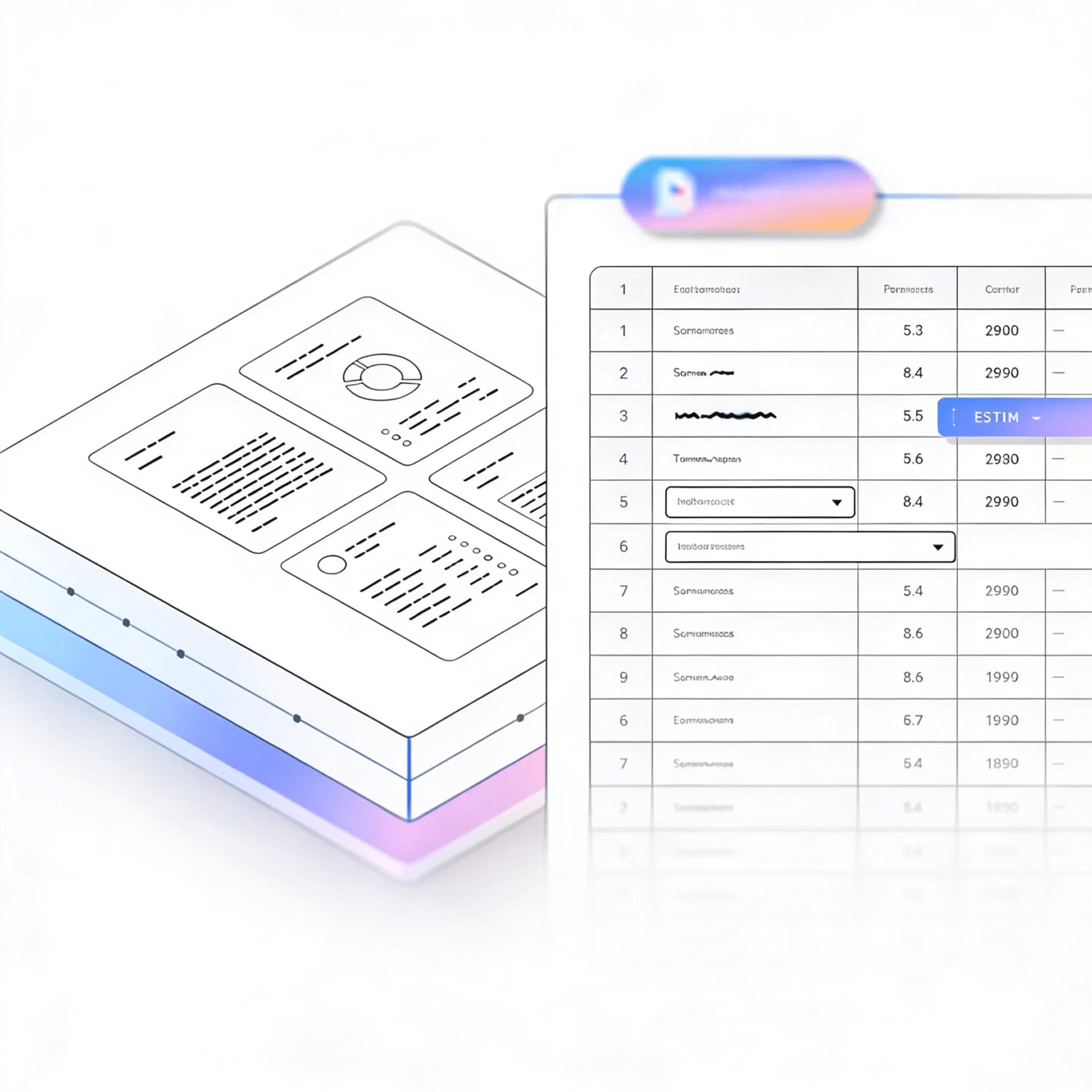
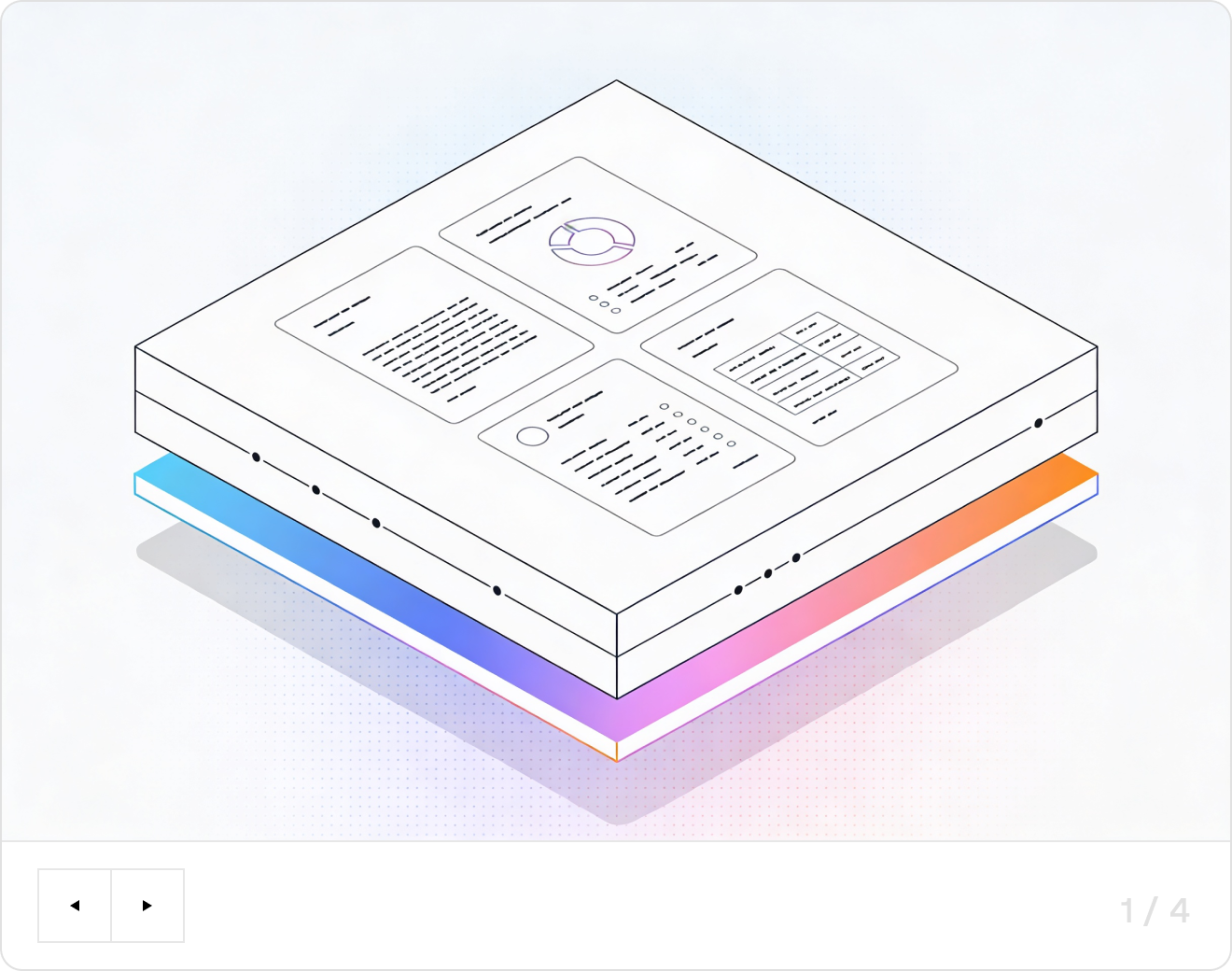
LlamaParse turns messy, multi-layout invoices into clean, schema-ready JSON you can trust for AP automation, reconciliation, and downstream analytics. Agentic document parsing understands tables, line items, and totals, then validates fields with confidence metadata to reduce exceptions and rework.
Built for Complexity

Accounts Payable for Mid-Market Manufacturing
Parse vendor invoices with dense line-item tables, multi-page packing references, and inconsistent layouts into clean JSON so your ERP can auto-match PO, GRN, and invoice data without brittle rules. LlamaParse preserves table structure and totals while adding traceable metadata for fast exception review when quantities, unit prices, or tax fields don’t reconcile.

Healthcare & Medical Services Billing Operations
Convert physician bills, lab invoices, and facility statements into structured outputs that keep modifiers, CPT/HCPCS codes, and fee schedules in the correct reading order—even when the document mixes tables, stamps, and scanned artifacts. Use natural-language parsing instructions to extract only billing-critical fields and route edge cases to validation loops, reducing rework and missed reimbursements.

Logistics & Freight Forwarding
Ingest invoices that bundle accessorials, lane charges, fuel surcharges, and multi-currency taxes into normalized line items that can be audited against rate cards and shipment records. LlamaParse handles messy PDFs and emailed scans by reconstructing complex tables in Markdown/JSON and surfacing confidence signals so teams can quickly flag overcharges.

Startups Building Spend Management and FinOps Tools
Ship invoice ingestion that works out of the box across thousands of vendor formats—without maintaining custom templates—by using agentic document parsing that understands layout changes and self-corrects common extraction errors. Control unit economics with tier-based processing that upgrades only the hard pages, so you can scale from pilot to production without your parsing costs exploding.
The Engine Room
Feature 01
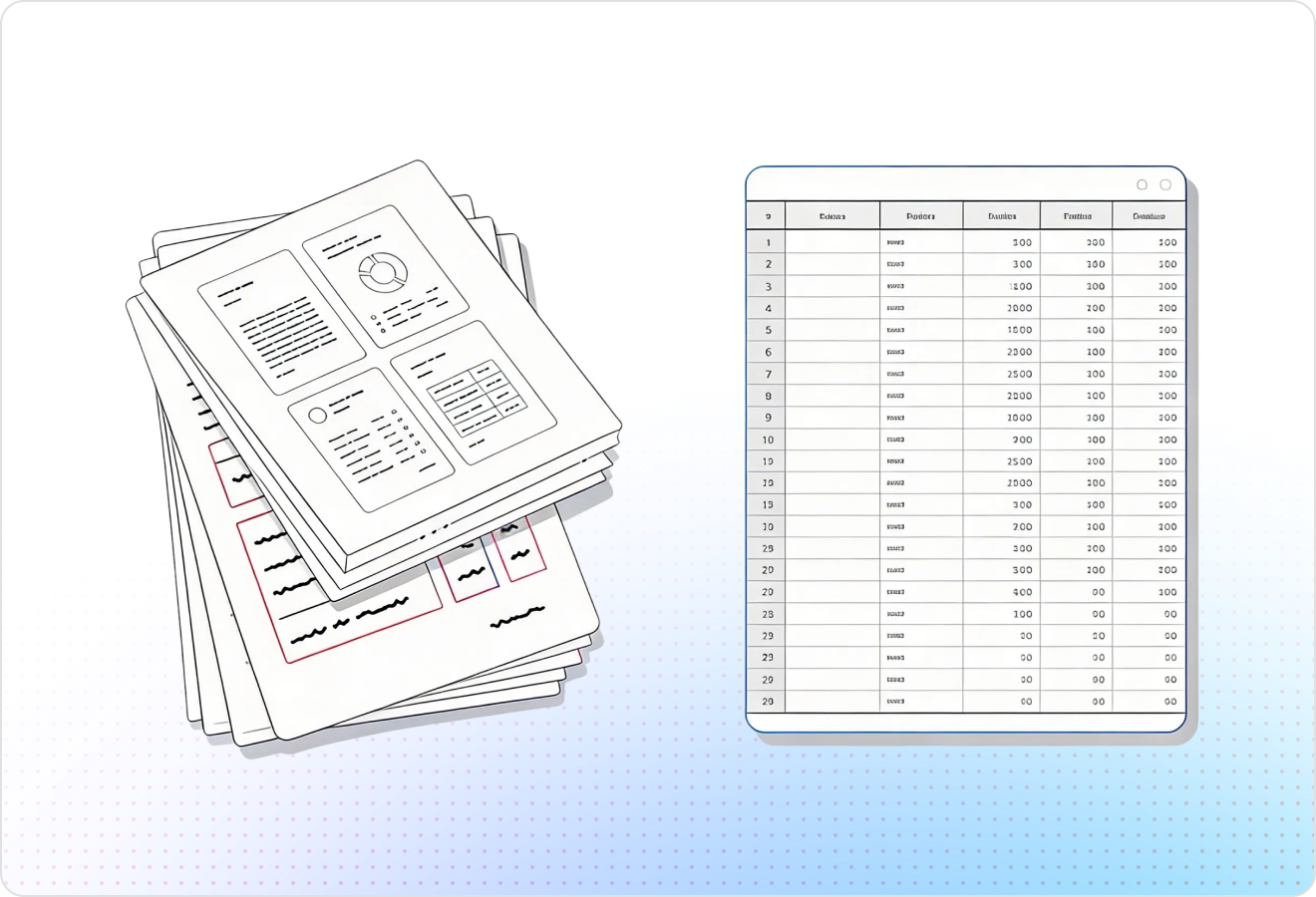
LlamaParse understands invoice layout so it preserves reading order across headers, addresses, totals, and multi-column sections. This prevents scrambled text and makes it reliable to pull fields like invoice number, dates, vendor, and remittance details without brittle cleanup code.
Feature 02
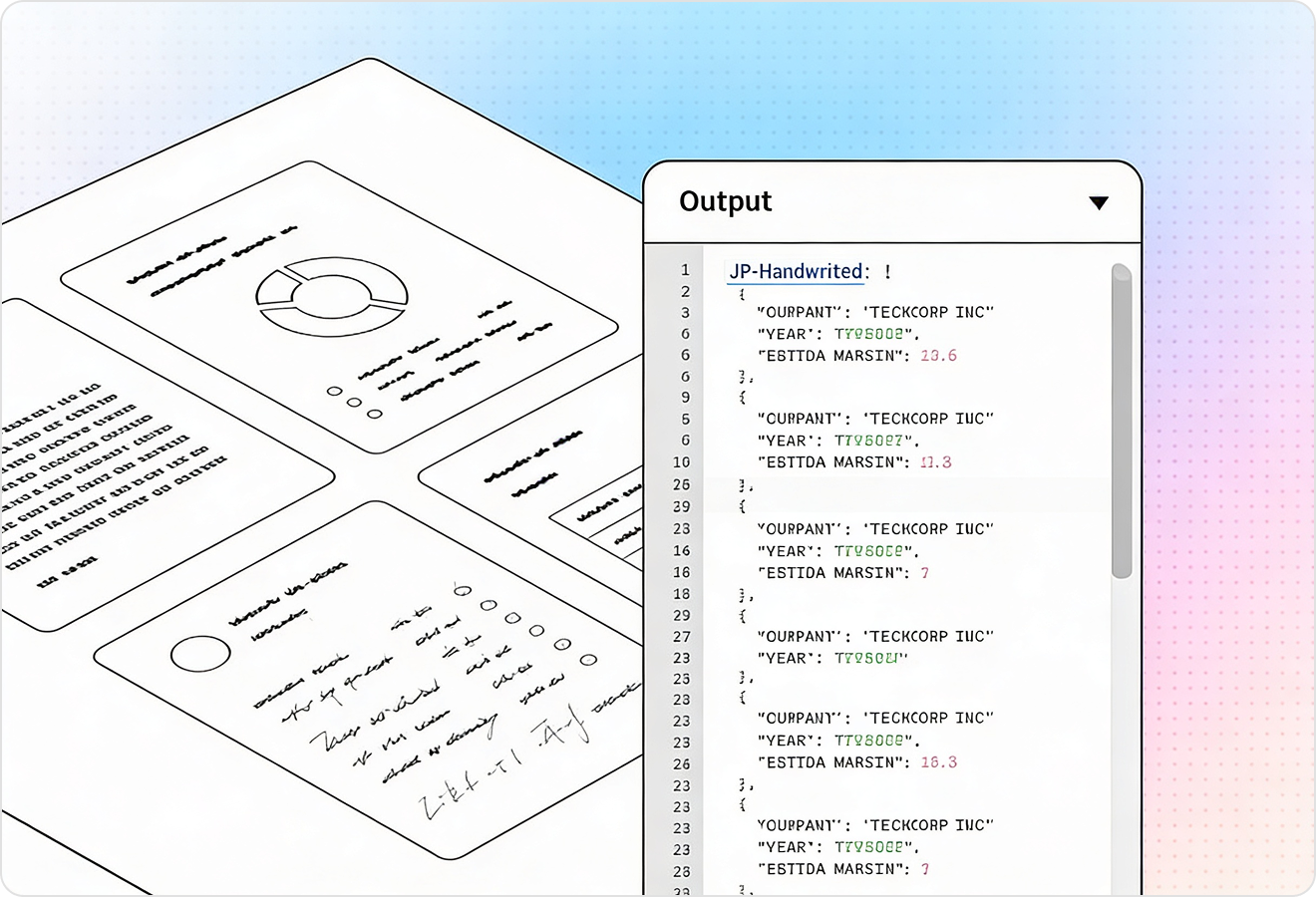
LlamaParse extracts line-item tables with structure intact, including rows, columns, and nested totals. That means you can capture SKU/description, quantity, unit price, tax, and discounts accurately—even when tables span pages or use inconsistent formatting.
Feature 03
LlamaParse can return structured JSON with rich metadata like page numbers and bounding boxes for each extracted element. For invoice workflows, this makes every field auditable so you can verify amounts, reconcile exceptions, and support human review with precise citations.
Feature 04
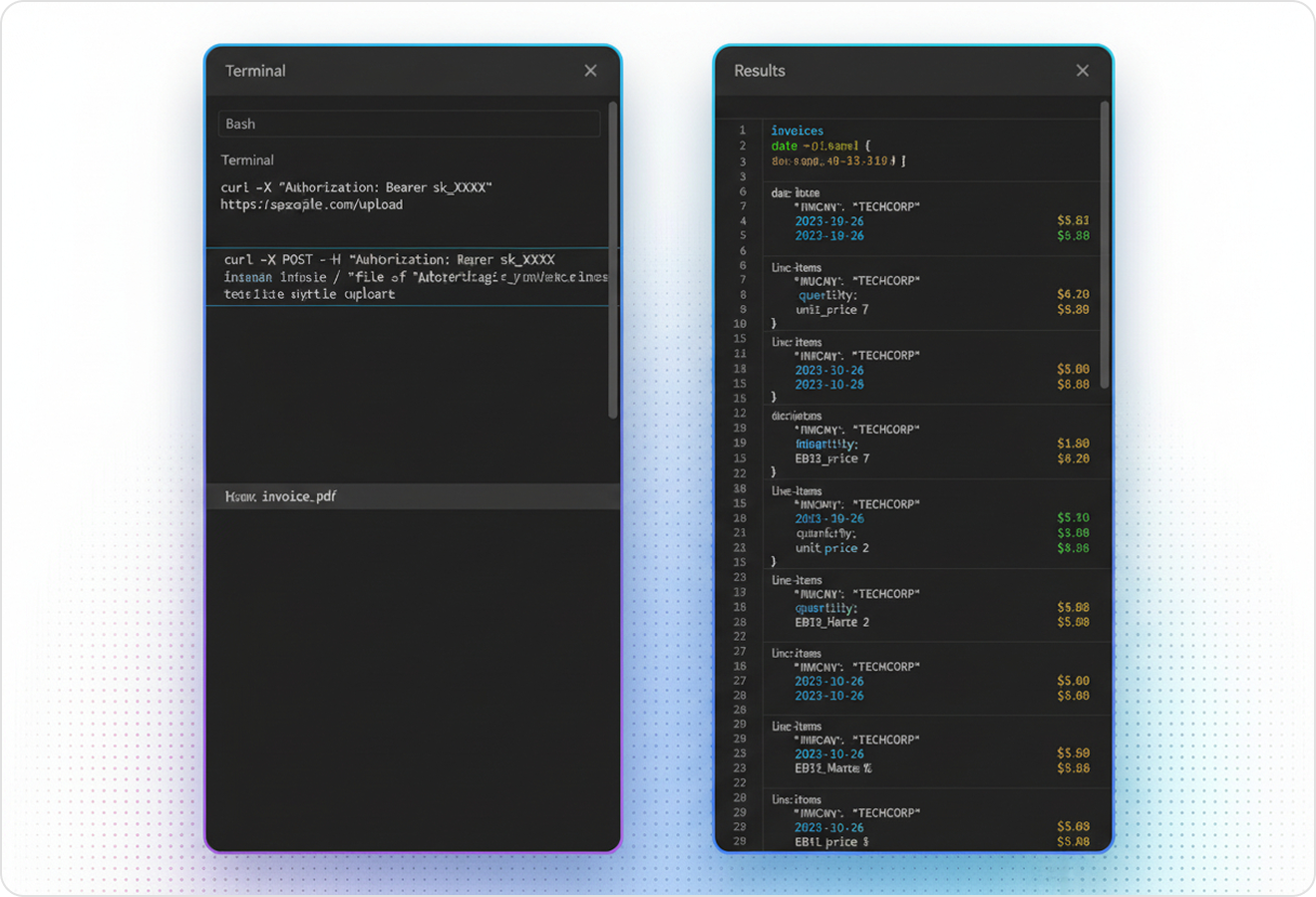
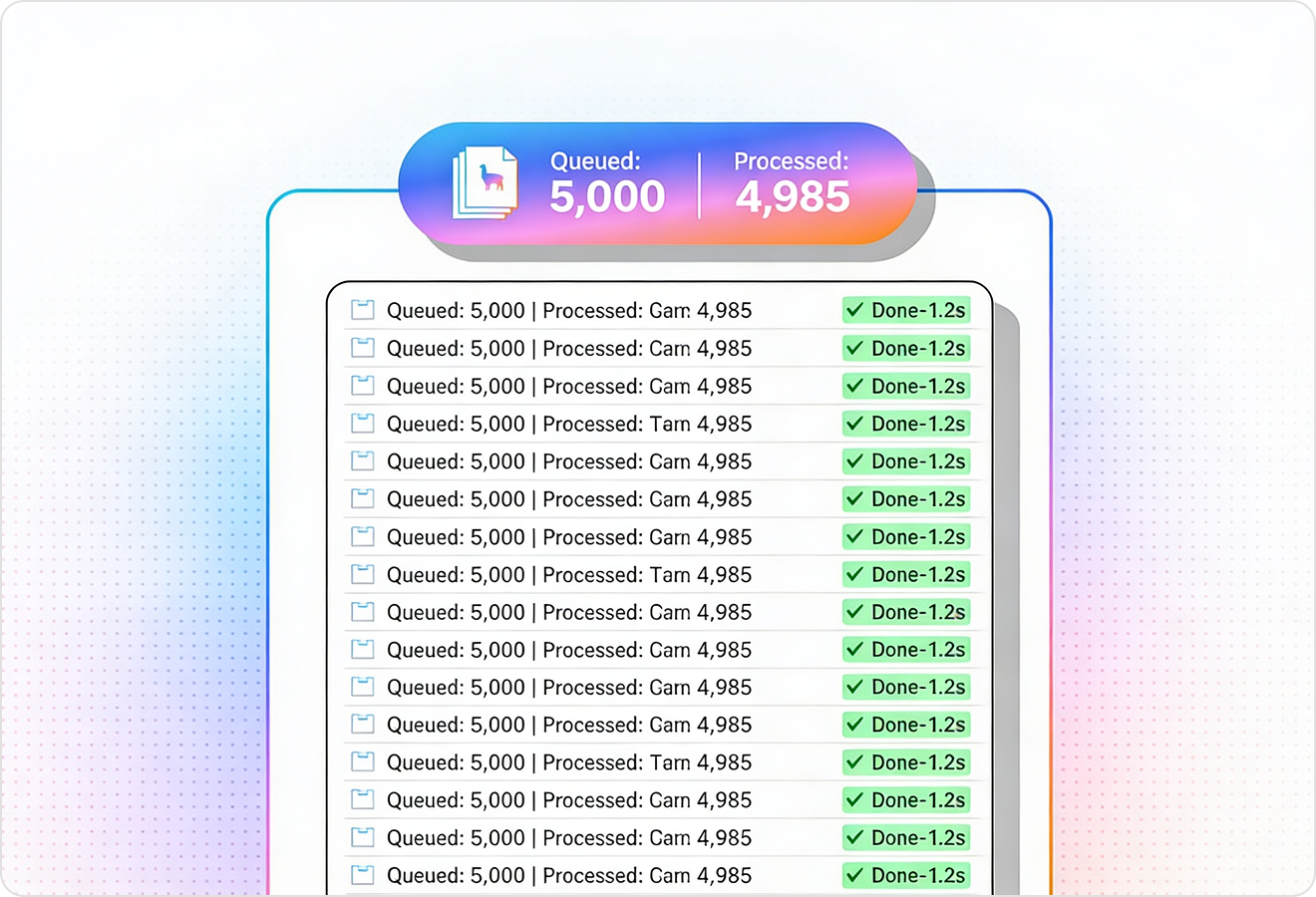
LlamaParse uses validation loops to catch and fix common extraction errors such as mismatched totals, missing currency symbols, or misread digits. This increases straight-through processing for AP automation by reducing manual QA on messy scans and vendor-specific templates.
Technical OCR documentation
Explore our developer guides to easily connect your document pipelines to LlamaParse.
Explore the framework

Our AI catches the typos that tired eyes miss.

Export to Excel, JSON, XML, or directly via API.

SOC2 Type II compliant with end-to-end encryption.

Train the tool on your specific forms in minutes, not days.

Average processing time of <3 seconds per page.
LlamaParse’s support of a wide variety of filetypes and its accuracy of parsing made it the best tool we tested in our evaluations. The LlamaIndex team was very responsive and we were off to the races within a day.
Common FAQs
01
Will the OCR keep the invoice’s reading order, or will headers and totals get scrambled?
Our layout-aware parsing preserves reading order across headers, addresses, multi-column sections, and totals. That means you can reliably capture fields like invoice number, dates, vendor details, and remittance info without writing fragile cleanup logic.
02
Can you accurately extract line-item tables, even when they span pages or vary by vendor?
Yes—line-item tables are extracted with structure intact, including rows, columns, and nested totals. You’ll capture SKU/description, quantity, unit price, tax, and discounts consistently, even with inconsistent formatting or multi-page tables.
03
Do you output clean JSON that my AP automation can consume right away?
You can enable JSON mode to receive structured output designed for downstream systems. It reduces mapping work and helps you move from PDFs to validated invoice data faster.
04
How do we audit extracted values and prove where a number came from?
Every extracted field can include traceability metadata such as page numbers and bounding boxes. This makes reviews and exception handling faster because your team can jump directly to the exact spot on the invoice that supports the value.
05
What happens when OCR misreads digits or totals don’t add up?
Validation and self-correction loops flag common issues like mismatched totals, missing currency symbols, or misread numbers. This improves straight-through processing and reduces time spent on manual QA for messy scans and tricky templates.
06
Will this work across many invoice templates, or do we need to train it for each vendor?
It’s designed to handle diverse vendor layouts without you maintaining template rules. You’ll get consistent field extraction across formats, and the built-in validation helps keep quality high as new vendors and invoice styles appear.