
Legal OCR isn’t just “scan to text” anymore. Even when text is captured, meaning can be lost if layout and structure aren’t preserved. Modern OCR tools increasingly compete on:
Newer platforms are moving toward layout-aware, API-first, and “agentic” document processing, not just recognition, but extraction, classification, chunking, and orchestration. This matters if you’re building an LLM-powered legal product or legal RAG system rather than simply digitizing PDFs.
Why your law firm needs modern OCR in 2026
Modern legal OCR can help teams:
- Reduce manual review by extracting text, tables, and fields more reliably
- Improve accuracy on handwriting, poor scans, and irregular layouts
- Create structured, searchable, AI-ready data for analytics, RAG, and automation
- Support either cloud-scale processing or enterprise workflows, depending on needs
| Platform | Best at | Typical use cases | Delivery model / APIs |
|---|---|---|---|
| LlamaParse (LlamaIndex) | Agentic parsing + structured extraction w/ citations | Contract intelligence, eDiscovery, compliance, legal RAG | Strong Python/TS SDKs + API |
| ABBYY FineReader | Desktop OCR + PDF editing + comparison | Archive digitization, court-ready PDFs, manual QC | Desktop-first (API not main focus) |
| Amazon Textract | High-volume cloud OCR + forms/tables + queries | Archive digitization, discovery indexing, forms | AWS managed API |
| Google Document AI | Multilingual + handwriting + classification/extraction | Global firms, mixed-language ops, evidence processing | Google Cloud APIs |
| Azure Document Intelligence | Layout + key-value + contract models + tables | CLM, compliance, Microsoft-centric workflows | Azure APIs + SDKs |
| Docling | Open-source conversion to Markdown/JSON | Local RAG pipelines, dataset prep, KB creation | Local OSS tooling |
| Hyperscience | Enterprise IDP + human-in-the-loop verification | High-stakes extraction, complex intake/forms | Enterprise implementation + workflows |
1. LlamaParse (LlamaIndex)
Platform summary
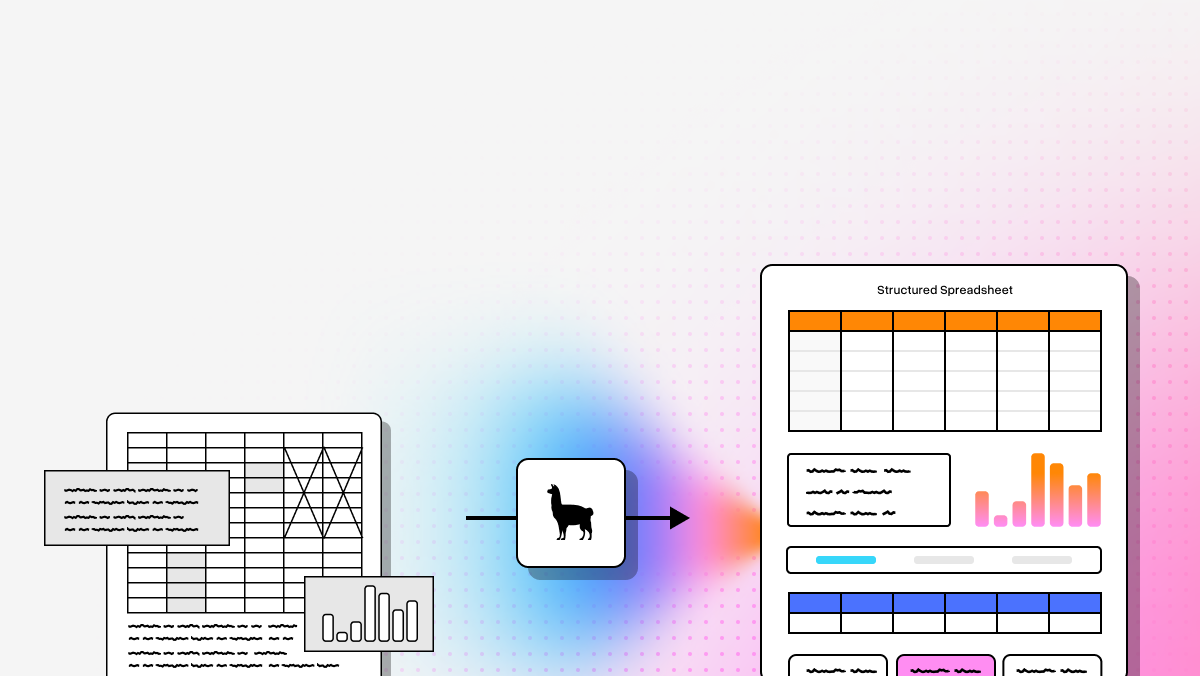
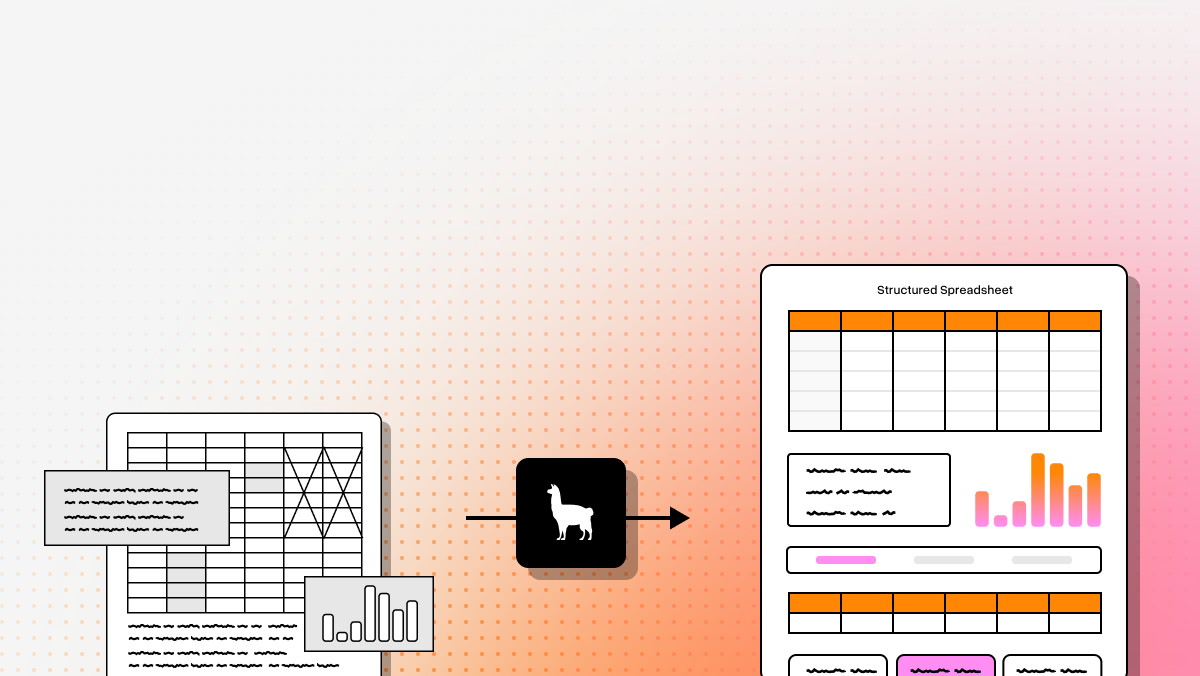
Best fit when you’re building legal AI systems, not just buying OCR. Positioned as an agentic document processing layer: parse, extract into schema, attach citations/confidence, and prepare content for retrieval and downstream AI.
Key benefits
- Handles complex layouts (nested tables, embedded images, handwriting notes)
- Auditability via schema-based extraction + page citations + confidence
- Natural fit for legal RAG, agents, and production AI apps
Core features
- Agentic OCR using vision-language approaches (layout interpretation vs fixed templates)
- Semantic reconstruction (headers/footers/sections/clauses/tables)
- LlamaExtract for schema-based structured output with citations/confidence
- Indexing + retrieval tooling (including Graph RAG patterns)
Limitations
- Developer-first; not a simple desktop tool
- Needs integration to unlock full value
- Overkill for basic “make PDF searchable” tasks
2. ABBYY FineReader
Platform summary
A top desktop choice for teams that want an all-in-one OCR + PDF editing + comparison environment with strong layout preservation and manual correction.
Core features
- High-accuracy OCR for scanned documents, text, and tables
- Document comparison (useful for contract versions/redlines)
- PDF editing/annotation/security in one interface
Limitations
- Less compelling for API-first / AI-native pipelines
- Can feel heavy for first-time users
- Pricing can be hard to justify if you only need extraction APIs
3. Amazon Textract
Platform summary
A strong AWS-native option for scalable OCR with structure extraction (forms/tables/handwriting) and query-based extraction.
Core features
- Extracts printed text, handwriting, forms, and tables
- Natural-language queries to pull specific fields
- Fully managed AWS service for high-volume processing
Limitations
- Costs can rise quickly at scale
- Best fit for AWS-comfortable teams
- Less “opinionated” about legal reasoning workflows than agentic platforms
4. Google Document AI
Platform summary
Good for teams needing strong OCR plus broader “document understanding,” especially across languages and handwriting, within Google Cloud.
Core features
- Layout-aware enterprise OCR
- Multilingual + handwriting support (Google cites broad language coverage)
- Prebuilt/custom processors; generative-AI-assisted workflows
Limitations
- Costs can scale with usage
- Setup/governance requires technical ownership
- Sensitive workloads require careful cloud security review
5. Azure Document Intelligence
Platform summary
Strong fit for legal departments in Microsoft-heavy environments. Focused on extracting structured elements (text/tables/key-value) via APIs, with prebuilt and custom models.
Core features
- Layout analysis + table + key-value extraction
- Prebuilt/custom models (including contract-related coverage)
- Flexible deployment options (cloud/edge/containerized)
Limitations
- Often chosen due to Microsoft ecosystem alignment
- Niche documents may require customization
- Less compelling if you’re not already on Azure/M365
6. Docling (open source)
Platform summary
Most developer-centric open-source option here. Useful for converting PDFs (and other formats) into Markdown/JSON that’s easier to chunk and feed into LLM workflows.
Core features
- PDF → Markdown/JSON conversion for LLM readiness
- Efficient local processing
- Structured parsing to preserve layout and tables reasonably well
Limitations
- Minimal UI (not for non-technical staff)
- More engineering responsibility
- Less mature enterprise review + workflow tooling than commercial suites
7. Hyperscience
Platform summary
Enterprise IDP platform emphasizing accuracy, operational controls, and human-in-the-loop validation when confidence is low—useful when errors are costly.
Core features
- Human-in-the-loop validation / low-confidence routing
- Extraction across structured/semi-structured/unstructured documents
- Workflow integration, classification, redaction capabilities
Limitations
- Better suited to large enterprises than small firms
- Heavier implementation than simple APIs
- Overkill for basic OCR-only needs
Final takeaway (how to choose)
The best choice depends on what you need after OCR:
- LlamaParse: Best Overall. structured, cited, retrievable outputs for agents/RAG/document intelligence
- ABBYY FineReader: desktop OCR + editing + comparison + manual QC
- Amazon Textract: AWS-native scale and automation
- Google Document AI: multilingual + handwriting + document understanding
- Azure Document Intelligence: Microsoft ecosystem + contract/compliance workflows
- Docling: open-source local conversion for RAG/ingestion pipelines
- Hyperscience: enterprise controls + human verification for high-stakes extraction
A simple decision question:
Do you just need searchable text—or do you need structured legal data your software/AI can reliably use?
Legal OCR FAQ
What is legal OCR software?
Legal OCR converts legal documents (PDFs, TIFFs, images) into searchable, editable, machine-readable text, and—ideally—structured data. It’s designed to handle legal-specific complexity like Bates numbering, stamps, dense formatting, and mixed layouts.
Why is it important for legal professionals?
It powers modern legal operations by enabling:
- faster eDiscovery and evidence search
- less manual data entry and fewer errors
- better compliance through organized digital records
- easier collaboration and remote access
- faster, more informed legal decisions
How to choose the best software provider
Evaluate:
- Accuracy on your real documents (bad scans, mixed fonts, forms, handwriting)
- Integrations (DMS, eDiscovery, CLM, internal tools)
- Security/compliance (SOC 2/GDPR as needed, access controls, audit logs)
- Legal-specific features (redaction, tables, Bates handling, citations)
- Scalability + support (batch volume, SLAs, customer success)
What makes legal OCR different from standard OCR?
Legal work depends on structure and context, not just transcription. Standard OCR often fails by:
- flattening multi-column filings
- breaking tables
- losing label/value relationships in forms
- missing handwritten notes/initials
- dropping Bates numbers and page metadata
- failing to preserve layout needed for citation/review
Developers should favor tools that output:
- structured JSON (not just raw text)
- table-aware extraction
- page references/citations
- confidence scores
- clause/section segmentation
- APIs/SDKs for production integration
How do I choose between desktop OCR, cloud OCR APIs, and AI-native document intelligence?
Choose based on what happens next:
- Desktop OCR: best for human review, editing, comparison, manual correction
- Cloud OCR APIs: best for volume + automation + integration with cloud pipelines
- AI-native document intelligence: best for structured extraction + retrieval + agent/RAG workflows
Can legal OCR handle handwriting, tables, scanned exhibits, and messy court documents?
Some can, but results vary widely. Look for:
- handwriting recognition
- high-fidelity table extraction
- layout-aware reading order (multi-column support)
- key-value/form extraction
- preprocessing (deskew/denoise)
- confidence scoring + review workflows
Always test on your real files (pleadings, exhibits, annotated PDFs, low-quality archives).
What outputs should developers prioritize for AI and RAG workflows?
Prioritize outputs that preserve meaning and traceability:
- structured JSON
- table fidelity
- page citations/location metadata
- confidence scores
- clause/section segmentation (for chunking + retrieval)
- classification metadata
- Markdown or LLM-friendly structure
- reliable APIs/SDKs
If you only get a flat text block, you’ll spend significant engineering time rebuilding structure.
What security and compliance factors matter most?
Key considerations:
- data residency and processing location
- retention policies (and whether you can disable retention)
- encryption (in transit/at rest)
- access controls (RBAC, SSO) + audit logs
- deployment options (SaaS vs VPC/private/on-prem/edge)
- human review policies (who can view documents, under what rules)
- downstream governance (how extracted data is stored/indexed/redacted)
If you want, tell me your primary workflow (eDiscovery, CLM, archive digitization, legal RAG, etc.) and constraints (cloud/on-prem, volume, languages, handwriting), and I’ll reformat this into a shorter buyer’s guide tailored to your scenario.